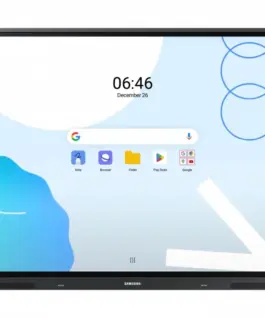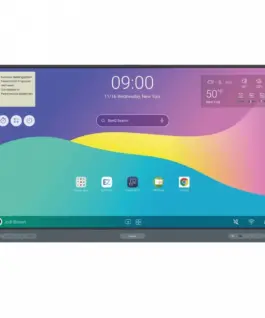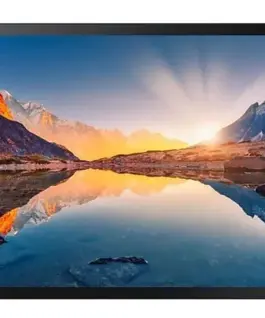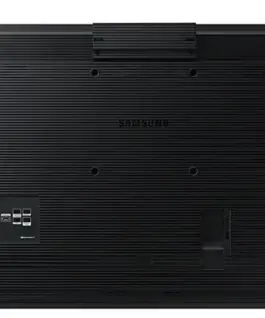
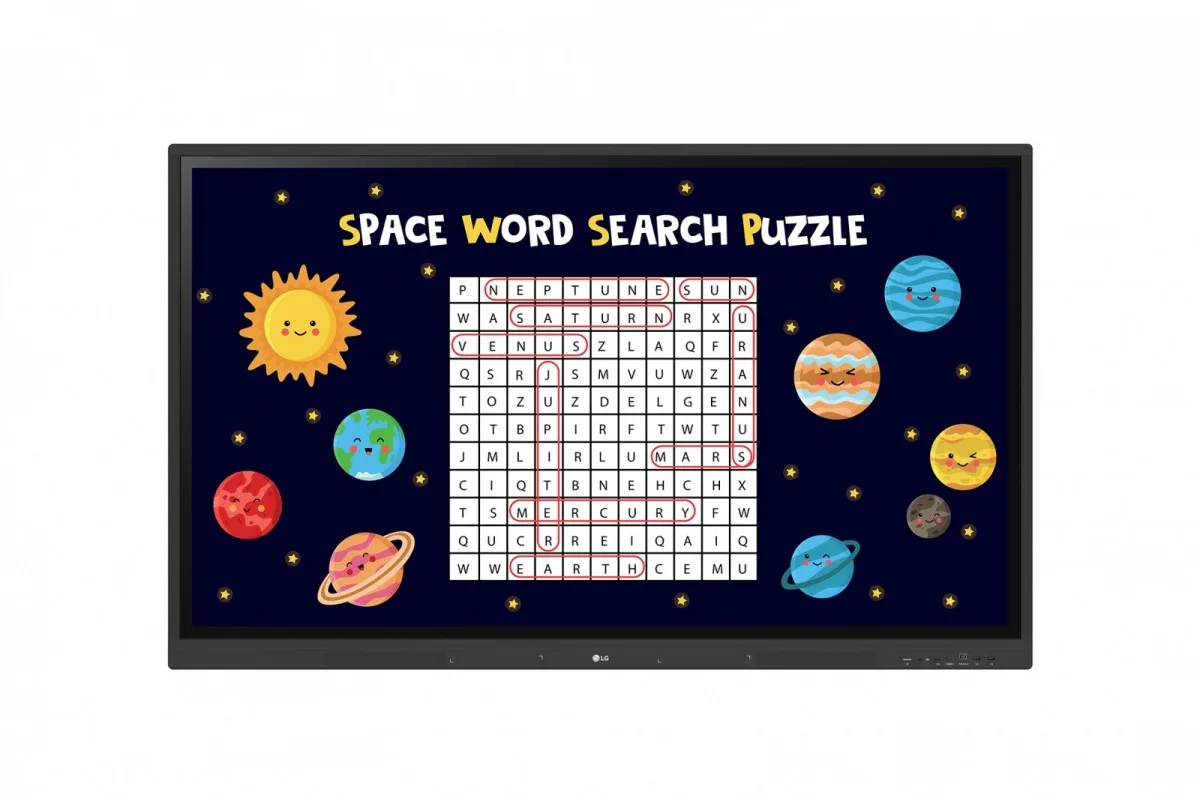
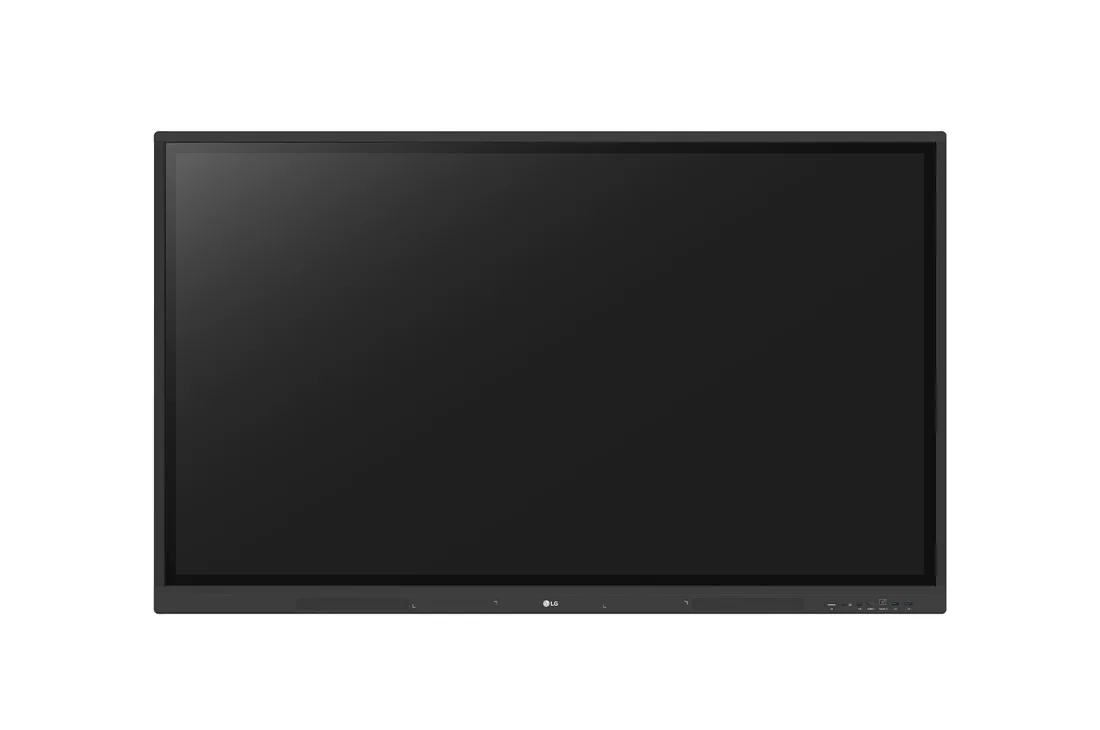
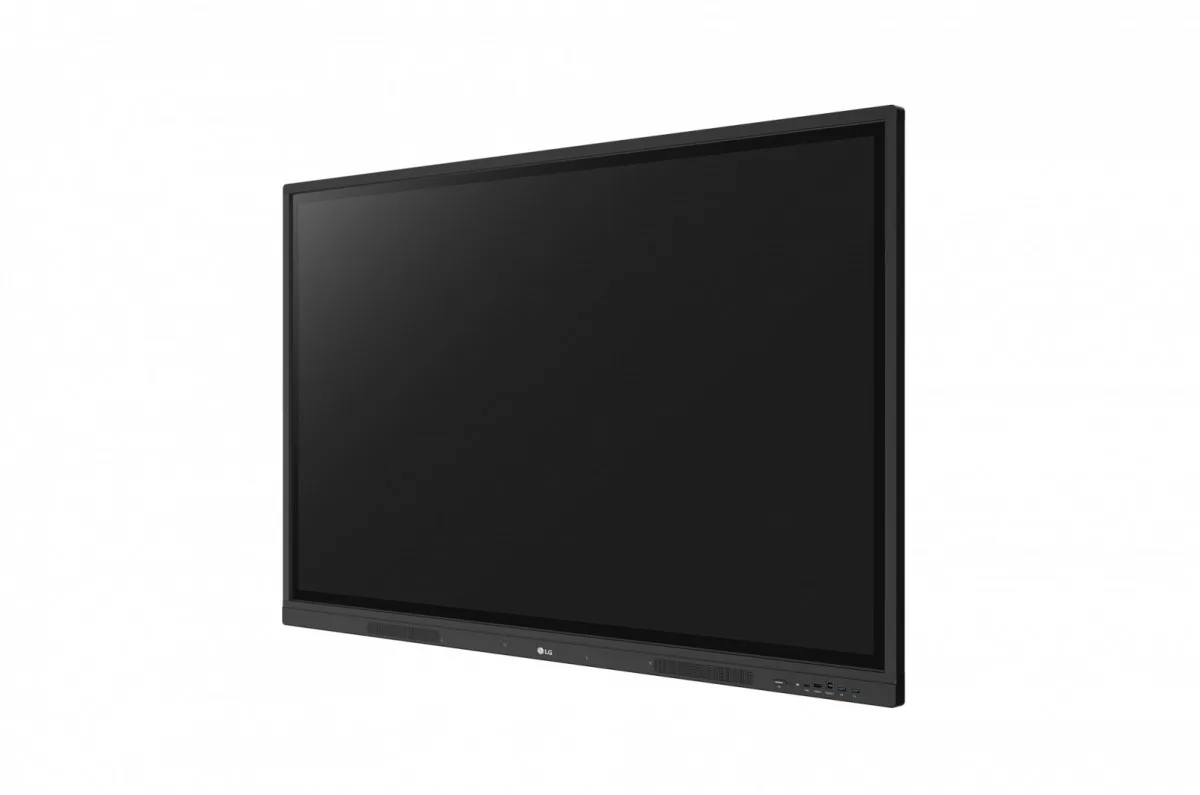
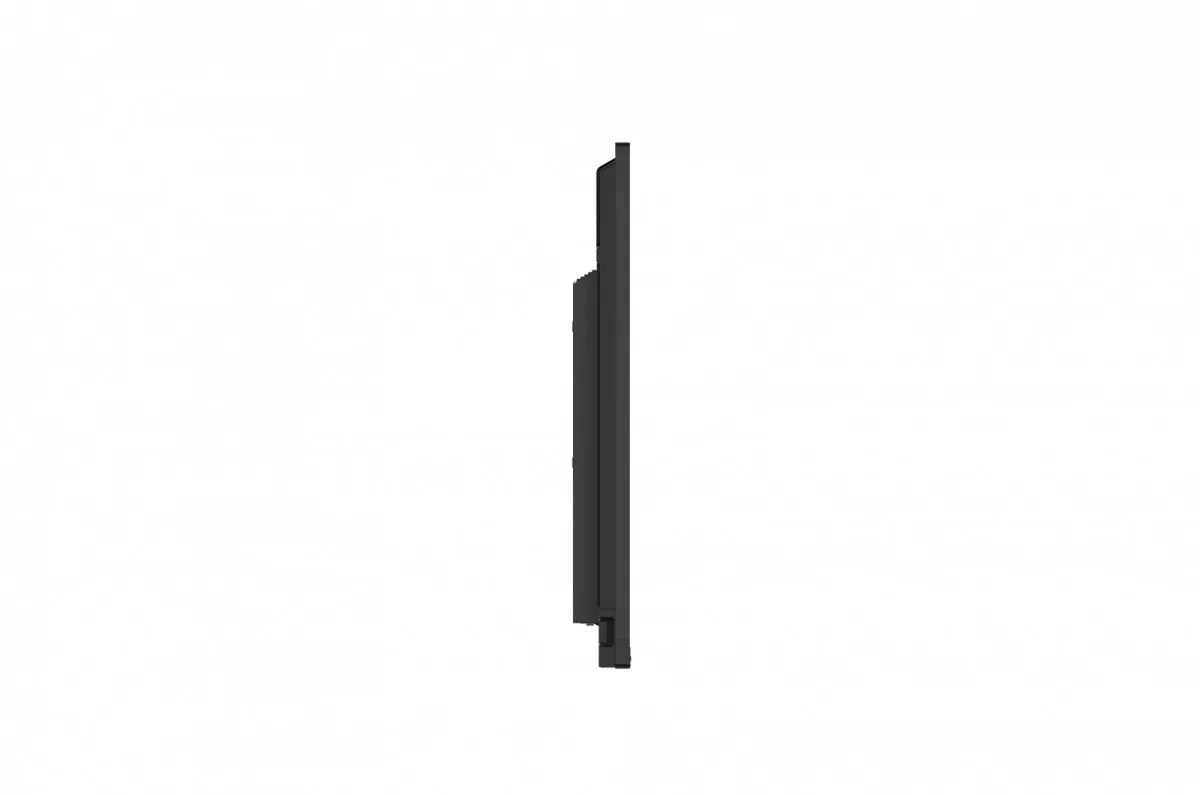
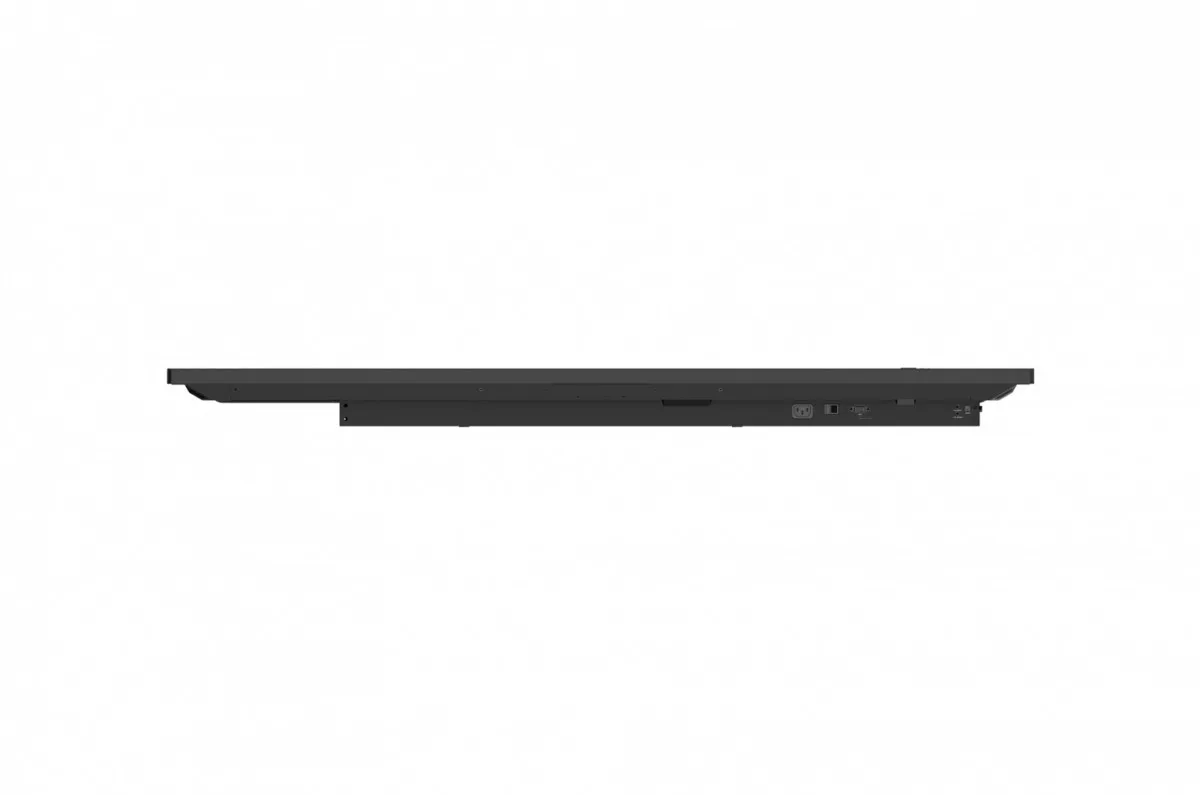
LG Electronics 75TR3DK-BM 75 UHD Multi Touch
LG Electronics 75TR3DK-BM 75 UHD Multi Touch
Description:
Various Teaching Templates
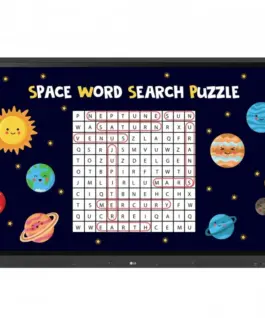
LG CreateBoard offers a variety of teaching templates and teaching tools, such as a ruler, table, and sticky notes, enabling active student engagement and intuitive lessons.
Editing images and videos becomes easy with LG CreateBoard, and created resources can be easily shared with others via QR codes.
Multi-Touch
LG CreateBoard can simultaneously detect up to 40 multi-touch points.
This creates a realistic touch experience on the board, helping students easily become accustomed to it and truly engage in the lesson. This leads to maximum concentration and organic student engagement.
Easy Saving/Importing/Exporting
LG CreateBoard includes simple importing and exporting functionality.
Resources can be saved and imported directly to and from Google Drive or OneDrive, and files can be imported from a USB drive (users can browse resources stored on a USB drive).
Tools for Smooth Collaboration
Various tools, such as a calculator, clock, and sticky notes, facilitate smooth discussions and ensure seamless idea sharing and communication. Users can also customize the menu bar with their most frequently used tools, increasing productivity.
Web Browser
When you need reference during a discussion, you can access various information in real time with a simple click of the web browser. Essential information found online can be easily dragged and dropped into your content, increasing meeting productivity.
Attention Effect
Simply double-tap the LG CreateBoard screen with 4-5 fingers, and an attention mark with sound will appear. This feature helps you capture participants’ attention when you need them to focus.
Wireless ScreenShare
LG CreateBoard Share allows users to display up to 9 shared screens or a file on the screen in real time when the LG CreateBoard Share app is installed on their device. Additionally, files from the host can be easily sent to any devices connected to the LG CreateBoard Share app, and the host has several quick control options at its disposal.
LG ConnectedCare DMS
LG ConnectedCare DMS is a cloud-based solution for remotely monitoring, controlling, and managing the status of LG CreateBoard devices installed in educational environments. This feature allows IT managers to manage and manage important resources on operating devices without having to physically visit the site.
Emergency Broadcasting/Messaging
Messages and a variety of other content can be sent from the main system to individual classroom devices connected to LG ConnectedCare DMS.
In the event of urgent situations, such as fire or natural disasters, emergency messages can be manually distributed throughout the system, helping teachers and students take rapid safety measures.
Threshold Settings
Users can set thresholds in eight categories, including display temperature, memory usage, or signal strength, and can receive warnings or error notifications based on the threshold settings.
Monitoring and Error Diagnostics
Engineers can check real-time status and diagnose problems remotely. Furthermore, current problem status can be categorized, allowing for easy viewing and rapid response.
Problem Management
Remote problem management can be achieved using the LG ConnectedCare DMS solution. This makes management more secure and efficient, facilitating stable classroom operation.
2,236.38 € с ДДС / 4,373.98 лв.
Времето за доставка не е определено
Налично за предварителни продажби
LG Electronics 75TR3DK-BM 75 UHD Multi Touch
Описание:
Various Teaching Templates
LG CreateBoard offers a variety of teaching templates and teaching tools, such as a ruler, table, and sticky notes, enabling active student engagement and intuitive lessons.
Editing images and videos becomes easy with LG CreateBoard, and created resources can be easily shared with others via QR codes.
Multi-Touch
LG CreateBoard can simultaneously detect up to 40 multi-touch points.
This creates a realistic touch experience on the board, helping students easily become accustomed to it and truly engage in the lesson. This leads to maximum concentration and organic student engagement.
Easy Saving/Importing/Exporting
LG CreateBoard includes simple importing and exporting functionality.
Resources can be saved and imported directly to and from Google Drive or OneDrive, and files can be imported from a USB drive (users can browse resources stored on a USB drive).
Tools for Smooth Collaboration
Various tools, such as a calculator, clock, and sticky notes, facilitate smooth discussions and ensure seamless idea sharing and communication. Users can also customize the menu bar with their most frequently used tools, increasing productivity.
Web Browser
When you need reference during a discussion, you can access various information in real time with a simple click of the web browser. Essential information found online can be easily dragged and dropped into your content, increasing meeting productivity.
Attention Effect
Simply double-tap the LG CreateBoard screen with 4-5 fingers, and an attention mark with sound will appear. This feature helps you capture participants’ attention when you need them to focus.
Wireless ScreenShare
LG CreateBoard Share allows users to display up to 9 shared screens or a file on the screen in real time when the LG CreateBoard Share app is installed on their device. Additionally, files from the host can be easily sent to any devices connected to the LG CreateBoard Share app, and the host has several quick control options at its disposal.
LG ConnectedCare DMS
LG ConnectedCare DMS is a cloud-based solution for remotely monitoring, controlling, and managing the status of LG CreateBoard devices installed in educational environments. This feature allows IT managers to manage and manage important resources on operating devices without having to physically visit the site.
Emergency Broadcasting/Messaging
Messages and a variety of other content can be sent from the main system to individual classroom devices connected to LG ConnectedCare DMS.
In the event of urgent situations, such as fire or natural disasters, emergency messages can be manually distributed throughout the system, helping teachers and students take rapid safety measures.
Threshold Settings
Users can set thresholds in eight categories, including display temperature, памет usage, or signal strength, and can receive warnings or error notifications based on the threshold settings.
Monitoring and Error Diagnostics
Engineers can check real-time status and diagnose problems remotely. Furthermore, current problem status can be categorized, allowing for easy viewing and rapid response.
Problem Management
Remote problem management can be achieved using the LG ConnectedCare DMS solution. This makes management more secure and efficient, facilitating stable classroom operation.
EAN: 8806084704184
| Тегло | 60500 кг |
|---|---|
| Размери | 220 × 1114 × 1840 см |
| Марка | |
| Гаранция | |
| Време на доставка | 30 дни |
| Бележка при доставка | Времето за доставка не е определено |
Свързани продукти