-
×
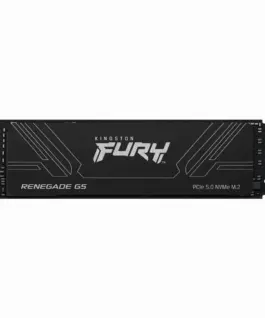 SSD диск Kingston Fury Renegade G5 NVMe M.2 PCIe 5.0 - 1024GB
311.92 € (вкл. ДДС) / 610.05 лв.
SSD диск Kingston Fury Renegade G5 NVMe M.2 PCIe 5.0 - 1024GB
311.92 € (вкл. ДДС) / 610.05 лв. -
×
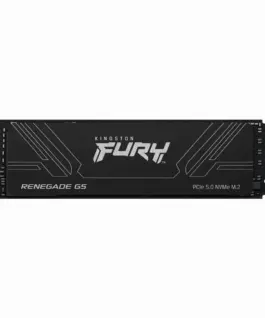 SSD диск Kingston Fury Renegade G5 NVMe M.2 PCIe 5.0 - 2048GB
422.81 € (вкл. ДДС) / 826.94 лв.
SSD диск Kingston Fury Renegade G5 NVMe M.2 PCIe 5.0 - 2048GB
422.81 € (вкл. ДДС) / 826.94 лв.
с поръчка
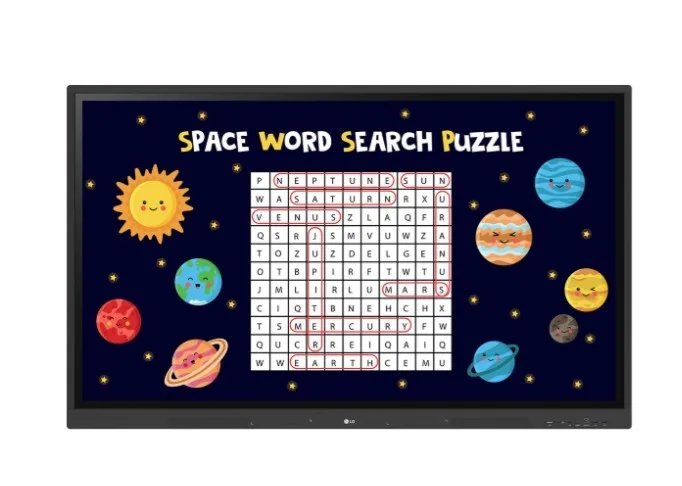
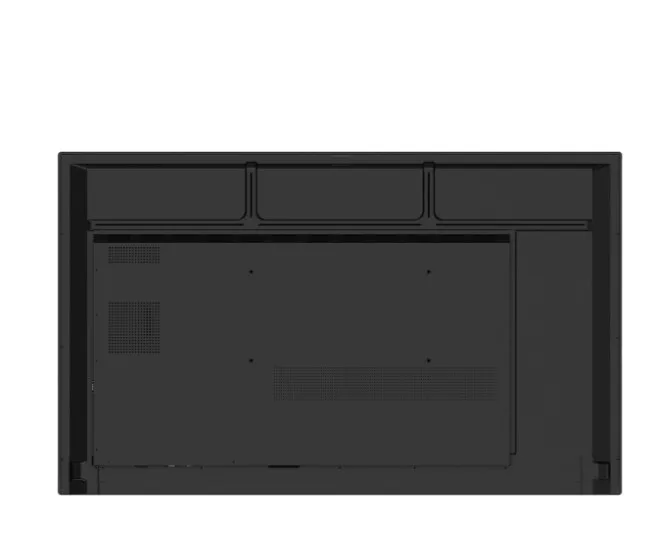
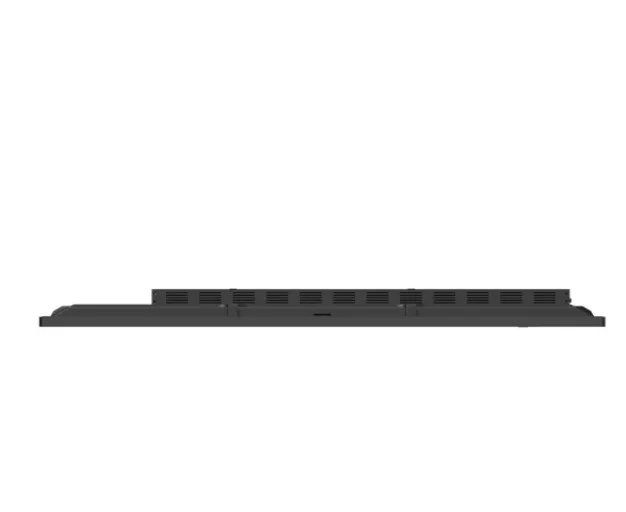
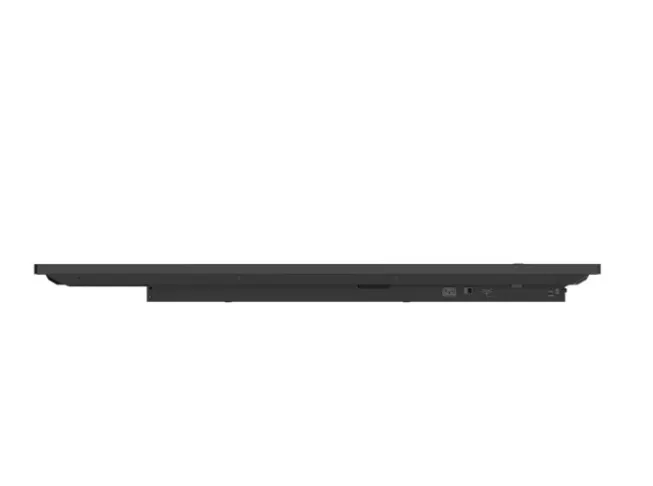
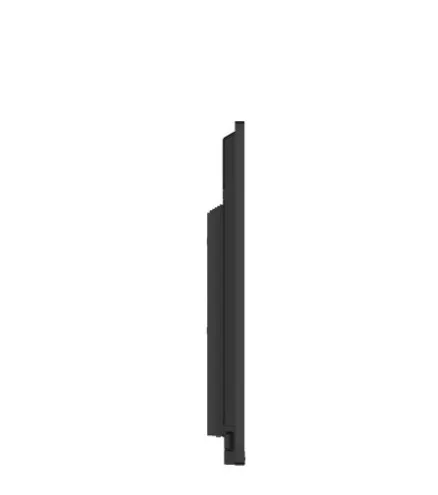
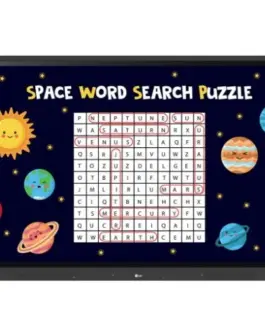
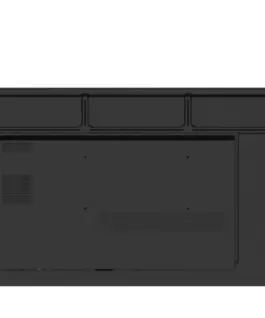
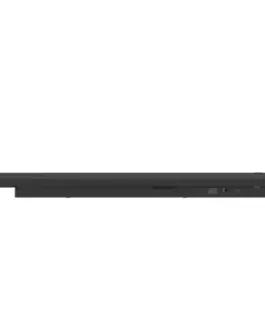
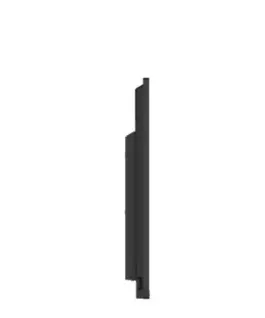
LG Electronics 65TR3DK-BM 65-inch UHD Multi Touch Interactive Monitor
LG Electronics 65TR3DK-BM 65-inch UHD Multi Touch Interactive Monitor
Description:
Various Teaching Templates
LG CreateBoard offers a variety of teaching templates and teaching tools, such as a ruler, table, and sticky notes, enabling active student engagement and intuitive lessons. Image and video editing is easy with LG CreateBoard, and created resources can be easily shared with others via QR codes.
Multi-Touch
LG CreateBoard can simultaneously detect up to 40 multi-touch points. This creates a realistic touch experience, helping students easily adapt and truly engage in the lesson. This leads to maximum concentration and organic student engagement.
Easy Save/Import/Export
LG CreateBoard includes simple import and export functionality. Resources can be saved and imported directly to and from Google Drive or OneDrive, and files can be imported from a USB drive (users can browse resources stored on a USB drive).
Smooth Collaboration Tools
Various tools, such as a calculator, clock, and sticky notes, are available to facilitate smooth discussions and ensure seamless idea sharing and communication. Users can also customize the menu bar with their most frequently used tools, increasing productivity.
Web Browser
When you need reference during a discussion, you can access various information in real time with a simple click of the web browser. Essential information found online can be easily dragged and dropped into your content, increasing meeting productivity.
Attention Effect
Simply double-tap the LG CreateBoard screen with 4-5 fingers, and an attention mark with sound will appear. This feature helps you capture participants’ attention when you need them to focus.
Wireless Screen Sharing
LG CreateBoard Share allows users to view up to 9 shared screens or a file on one screen in real time when the LG CreateBoard Share app is installed on their device. Additionally, files from the host can be easily sent to any device connected to the LG CreateBoard Share app, and the host can perform several quick checks.
LG ConnectedCare DMS
LG ConnectedCare DMS is a cloud-based solution for remotely monitoring, controlling, and managing the status of LG CreateBoards installed in educational environments. This feature allows IT managers to manage and access important resources on operating devices without physically visiting the site.
Bluetooth Connectivity
LG CreateBoard supports wireless Bluetooth connectivity with various devices, such as speakers, mice, keyboards, and more. This is an optimal solution for creating a hybrid environment where online and offline classes can run smoothly.
Type-C Connection
USB-C connectivity simplifies connecting devices, allowing simultaneous charging and data transfer with a single cable.
QR Login for Easy Cloud Access
A QR code on the home screen reduces class preparation time by enabling personal device verification. Users can register for various apps on the LG CreateBoard, including Google Drive and OneDrive, with just one QR verification, without any additional login process. After completing a lesson, users can simply click the Logout button to disconnect, reducing the risk of personal data leakage.
Advanced Eye Care
LG CreateBoard has introduced a flicker-free feature. By reducing backlight flicker, users can enjoy a more comfortable experience even after extended use.
Front Connectivity Design
The LG CreateBoard features front-facing display ports and speakers, ideal for both teachers and students. These allow for easier content sharing and a more immersive audio experience.
Built-in OPS Slot
The LG CreateBoard supports OPS slots, allowing for easy and convenient mounting of the OPS display onto the back of the LG CreateBoard without the need to connect it to an external display, thus offering more advanced features.
Smart Viewing
The LG CreateBoard’s Smart Viewing feature enables efficient teaching. Two or more content can be displayed on the same screen simultaneously without the need for repeated Alt-tabs, making teaching more convenient and effective. Two content can be displayed side by side (multi-window mode) or one content can be displayed over another (picture-in-picture mode).
Energy Saving
When the device does not receive an external input for a user-defined period, it enters standby mode. Devices can also be automatically turned on or off at a user-defined time or day, contributing to energy savings.
Easy Transport with the LG Universal Stand
The LG CreateBoard can be used anywhere in the room, provided it is easily transported. From classrooms to in-between spaces, it serves a variety of roles depending on your needs, such as lectures, group discussions, school announcements, and more.
1,565.34 € с ДДС / 3,061.54 лв.
Време на доставка: 30 дни
Времето за доставка не е определено
Времето за доставка не е определено
Налично за предварителни продажби
LG Electronics 65TR3DK-BM 65-inch UHD Multi Touch Interactive Monitor
Описание:
Various Teaching Templates
LG CreateBoard offers a variety of teaching templates and teaching tools, such as a ruler, table, and sticky notes, enabling active student engagement and intuitive lessons. Image and video editing is easy with LG CreateBoard, and created resources can be easily shared with others via QR codes.
Multi-Touch
LG CreateBoard can simultaneously detect up to 40 multi-touch points. This creates a realistic touch experience, helping students easily adapt and truly engage in the lesson. This leads to maximum concentration and organic student engagement.
Easy Save/Import/Export
LG CreateBoard includes simple import and export functionality. Resources can be saved and imported directly to and from Google Drive or OneDrive, and files can be imported from a USB drive (users can browse resources stored on a USB drive).
Smooth Collaboration Tools
Various tools, such as a calculator, clock, and sticky notes, are available to facilitate smooth discussions and ensure seamless idea sharing and communication. Users can also customize the menu bar with their most frequently used tools, increasing productivity.
Web Browser
When you need reference during a discussion, you can access various information in real time with a simple click of the web browser. Essential information found online can be easily dragged and dropped into your content, increasing meeting productivity.
Attention Effect
Simply double-tap the LG CreateBoard screen with 4-5 fingers, and an attention mark with sound will appear. This feature helps you capture participants’ attention when you need them to focus.
Wireless Screen Sharing
LG CreateBoard Share allows users to view up to 9 shared screens or a file on one screen in real time when the LG CreateBoard Share app is installed on their device. Additionally, files from the host can be easily sent to any device connected to the LG CreateBoard Share app, and the host can perform several quick checks.
LG ConnectedCare DMS
LG ConnectedCare DMS is a cloud-based solution for remotely monitoring, controlling, and managing the status of LG CreateBoards installed in educational environments. This feature allows IT managers to manage and access important resources on operating devices without physically visiting the site.
Bluetooth Connectivity
LG CreateBoard supports wireless Bluetooth connectivity with various devices, such as speakers, mice, keyboards, and more. This is an optimal solution for creating a hybrid environment where online and offline classes can run smoothly.
Тип-C Connection
USB-C connectivity simplifies connecting devices, allowing simultaneous charging and data transfer with a single cable.
QR Login for Easy Cloud Access
A QR code on the home screen reduces class preparation time by enabling personal device verification. Users can register for various apps on the LG CreateBoard, including Google Drive and OneDrive, with just one QR verification, without any additional login process. After completing a lesson, users can simply click the Logout button to disconnect, reducing the risk of personal data leakage.
Advanced Eye Care
LG CreateBoard has introduced a flicker-free feature. By reducing backlight flicker, users can enjoy a more comfortable experience even after extended use.
Front Connectivity Design
The LG CreateBoard features front-facing display ports and speakers, ideal for both teachers and students. These allow for easier content sharing and a more immersive audio experience.
Built-in OPS Slot
The LG CreateBoard supports OPS slots, allowing for easy and convenient mounting of the OPS display onto the back of the LG CreateBoard without the need to connect it to an external display, thus offering more advanced features.
Smart Viewing
The LG CreateBoard’s Smart Viewing feature enables efficient teaching. Two or more content can be displayed on the same screen simultaneously without the need for repeated Alt-tabs, making teaching more convenient and effective. Two content can be displayed side by side (multi-window mode) or one content can be displayed over another (picture-in-picture mode).
Energy Saving
When the device does not receive an external input for a user-defined period, it enters standby mode. Devices can also be automatically turned on or off at a user-defined time or day, contributing to energy savings.
Easy Transport with the LG Universal Stand
The LG CreateBoard can be used anywhere in the room, provided it is easily transported. From classrooms to in-between spaces, it serves a variety of roles depending on your needs, such as lectures, group discussions, school announcements, and more.
EAN: 8806084704122
| Тегло | 45500 кг |
|---|---|
| Размери | 210 × 1000 × 1630 см |
| Марка | |
| Гаранция | |
| Време на доставка | 30 дни |
| Бележка при доставка | Времето за доставка не е определено |
Свързани продукти

965.50 € с ДДС / 1,888.35 лв.
Време на доставка: 30 дни
2,410.00 € с ДДС / 4,713.54 лв.
Време на доставка: 30 дни