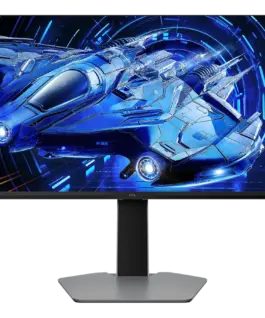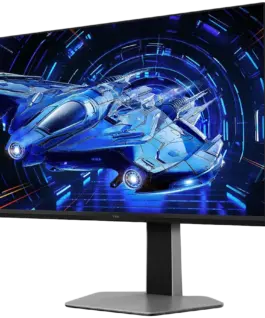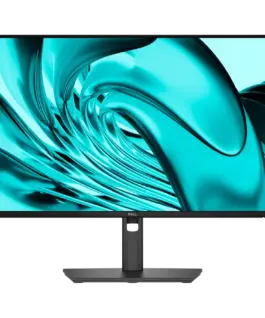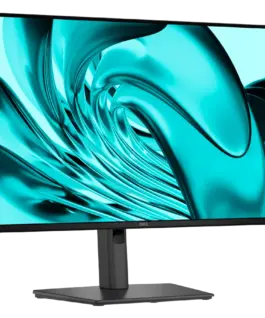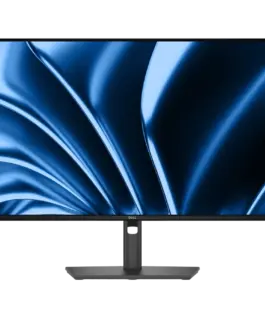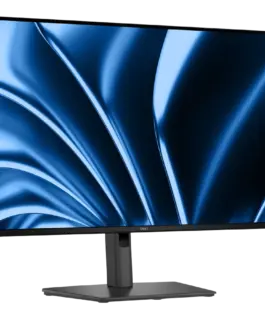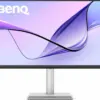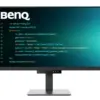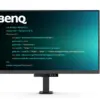
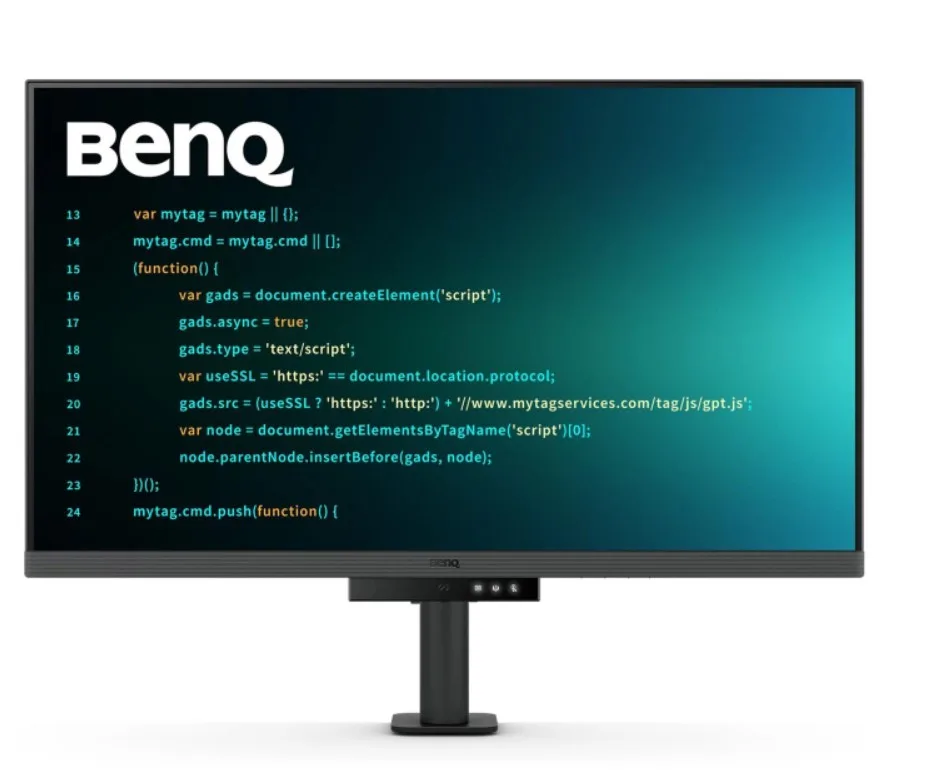
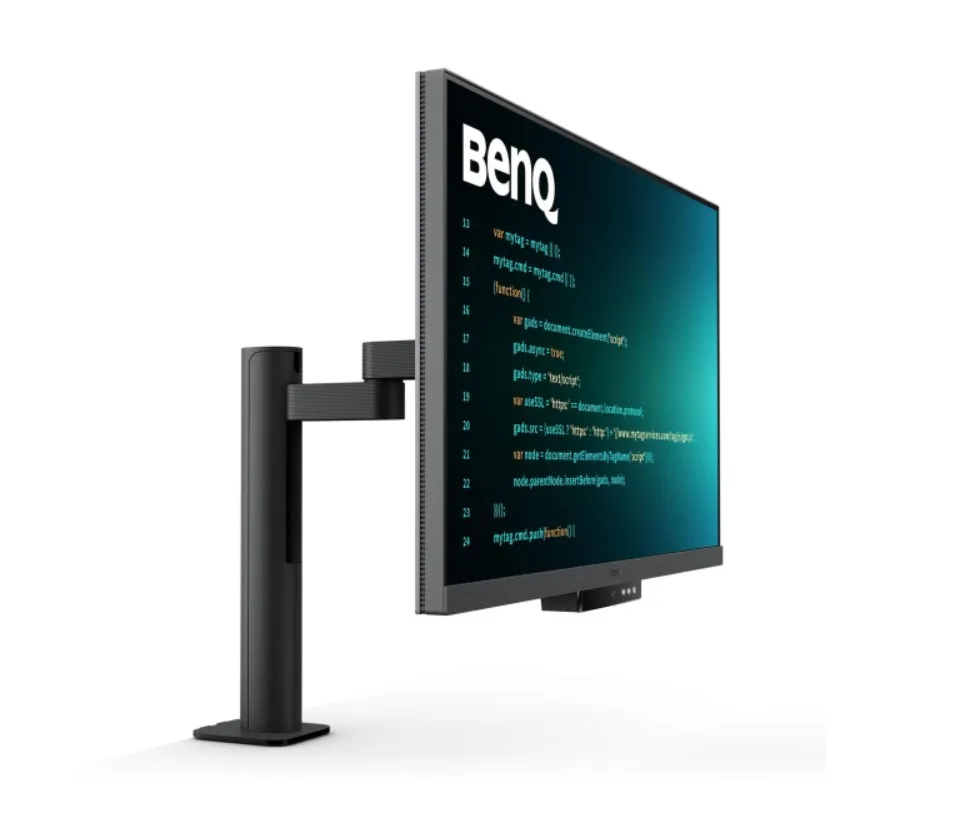
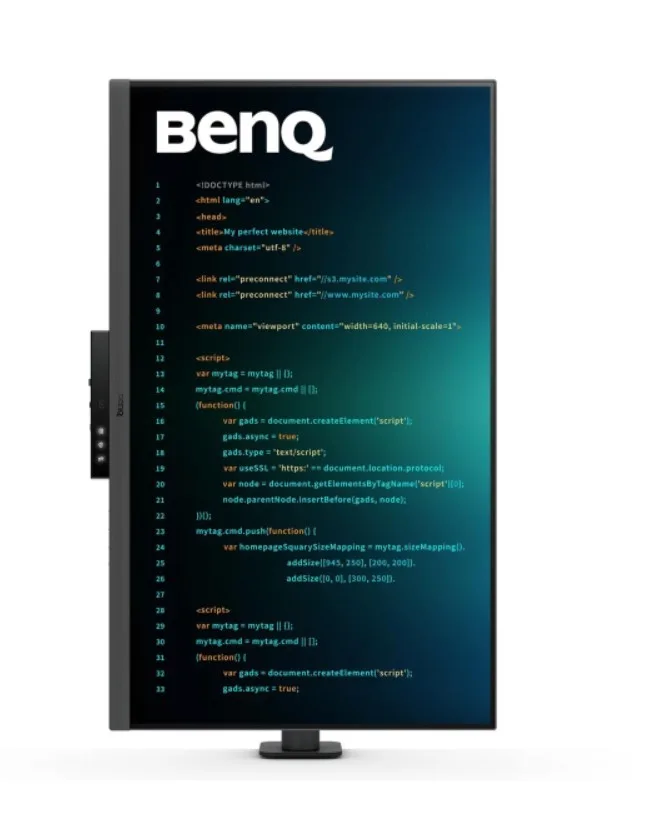
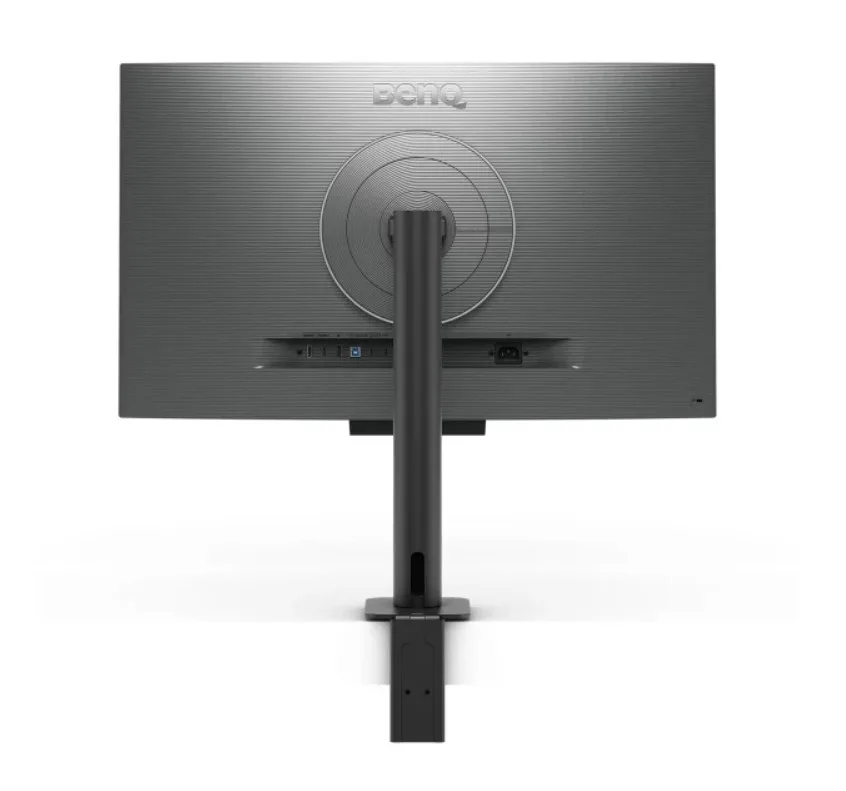
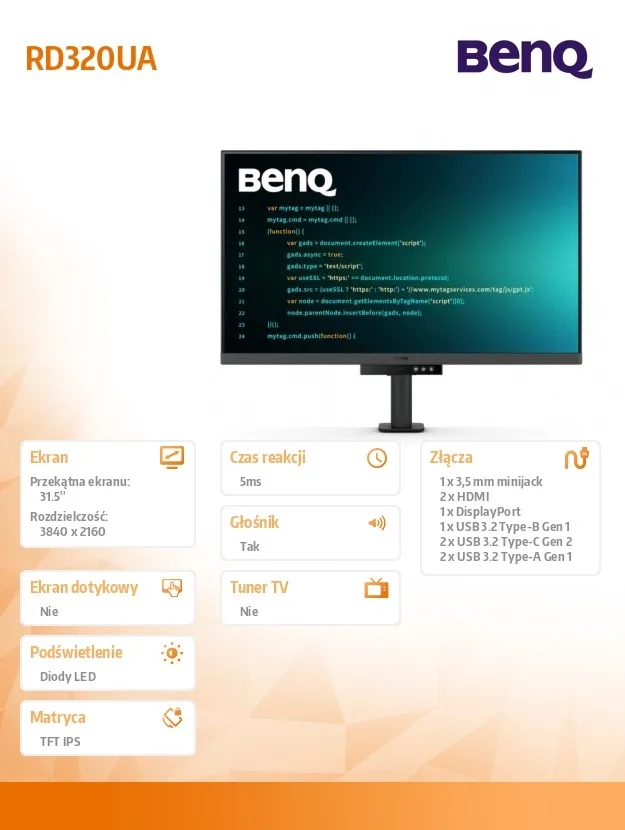
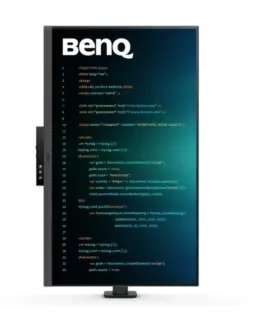
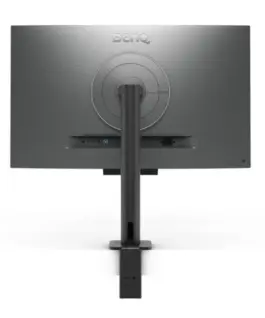
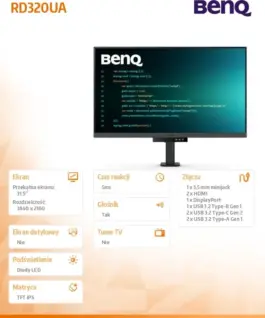
Benq Monitor 31.5 inches RD320UA 4K LED 5ms/60Hz/IPS
Benq Monitor 31.5 inches RD320UA 4K LED 5ms/60Hz/IPS
Description:
Enter Coding Mode in Seconds
Get into Coding Mode in just seconds with the BenQ Nano Matte Panel. Designed with low reflectivity to minimize distractions, this advanced technology enhances focus and productivity while delivering exceptional clarity for maximum performance. Elevate your coding experience and unlock your full potential with BenQ.
2000:1 Contrast Ratio for Clearer Code and Stunning Visuals
Experience outstanding clarity with a 2000:1 contrast ratio. Enjoy deeper blacks and higher contrast on a premium 4K display designed for coding, movies, and gaming, delivering exceptional visual performance. This enhancement not only improves image quality but also creates a more immersive and engaging experience.
Ignite Your Late-Night Coding Inspiration
Whether you prefer working in soft ambient lighting or complete darkness during late-night coding sessions, we provide everything you need for lasting eye comfort.
Effortless Comfort with Night Hours Protection
Take advantage of minimum brightness technology to reduce eye strain and enjoy enhanced eye protection during nighttime use and in dark environments with Night Hours Protection. Intelligent ambient light detection and automatic switching require minimal user intervention, providing effortless and consistent eye care.
Stay Focused Anytime with MoonHalo
Experience MoonHalo by BenQ, a seamless combination of immersive lighting and a comfortable working atmosphere. With adjustable color temperature, brightness, lighting modes, and Auto Dimming powered by B.I. Gen2, MoonHalo delivers optimal eye comfort and focus whether you’re working from home or in the office.
Exclusive Coding Modes Boost Productivity
BenQ’s advanced Coding Modes deliver sharper fonts and improved code differentiation, reducing eye strain. Choose between dark and light themes, and easily adjust brightness, sharpness, and contrast for the ideal coding environment.
Instant Coding with the Coding HotKey and Function Bar
Boost productivity effortlessly with our exclusive Coding HotKey and Function Bar. With a quick press of the dedicated Coding HotKey located at the center of the Function Bar, you can instantly start coding.
Unlimited Desk Flexibility for Developers
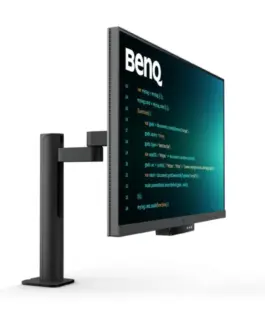
The BenQ Ergo Arm provides greater flexibility and optimal monitor positioning for a more comfortable and productive workspace.
Optimal Posture, Maximum Performance
Relieve long-term neck and body strain. BenQ Programming Monitors are designed with your comfort in mind for extended coding sessions and long-term projects.
Ergo Arm Stand: Elevate Your Coding Workspace with Unlimited Flexibility
The BenQ Ergo Arm enhances flexibility and provides optimal monitor positioning for a more comfortable and productive user experience.
Fast Plug-and-Play Connectivity
BenQ Programming Monitors offer a wide range of connectivity options, including USB Type-C for comprehensive connectivity, meeting all your multitasking needs.
Unified Integration with the KVM Switch
Maximize efficiency through seamless integration with multiple devices and the built-in KVM (Keyboard, Video, Mouse) switch for smooth source switching.
Daisy Chain Connectivity with 90W USB Type-C
Multi-Stream Transport (MST) technology allows you to extend your workspace across multiple displays via USB Type-C. The 90W USB Type-C connection seamlessly transfers images, videos, and data while simultaneously charging your mobile devices with a single cable. Please note that Mac and MacBook devices support daisy chaining only through Thunderbolt. Daisy chain functionality is not supported through HDMI or standard USB ports on any device. In addition, Macs equipped with M1 or M2 chips support only one external display. For more information about connecting different Mac models to external displays, please visit Apple’s website.
Seamless Multi-Device Viewing with PIP/PBP and DualView Plus
DualView Plus simplifies multi-device viewing by allowing different color modes for individual applications or windows. With PIP and PBP support, you can easily manage dual-source or single-source viewing.
Optimize Productivity with PIP and PBP
PIP (Picture-in-Picture) and PBP (Picture-by-Picture) maximize screen space efficiently. PIP overlays an additional window for multitasking, while PBP splits the screen to display content from multiple sources, boosting productivity.
DualView Plus Displays Multiple Color Modes
DualView Plus with PIP/PBP not only displays two sources simultaneously but also allows different color modes for each screen.
Control Display Settings with Your Mouse and Keyboard via Display Pilot 2
Display Pilot 2 makes it easy to manage features such as MoonHalo, Night Hours Protection, and Auto Pivot. Designed specifically for BenQ Programming Monitors, it also includes developer-focused features such as FloW, HotKeys, Desktop Partition, Application Mode, Software Dimming, and Circadian Mode.
FloW – Personalized Display Performance Throughout Your Day
We understand the importance of an organized workflow. By learning your habits, FloW on the BenQ RD320UA seamlessly adapts to your needs, automatically switching between different scenarios according to your predefined schedules to support your busy day.
Easily Customize the Built-In MoonHalo Light
With Display Pilot 2, MoonHalo seamlessly synchronizes with your monitor, allowing you to easily adjust the power switch, brightness, color temperature, lighting mode, and continuous lighting mode.
Circadian Mode for All-Day Comfort and a Relaxing Atmosphere
BenQ Low Blue Light Plus features Circadian Mode, which automatically adjusts the display’s color temperature throughout the day to mimic the natural sunrise-to-sunset cycle. Enjoy all-day eye comfort with peace of mind.
Assign Different Modes to Different Applications
Application Mode makes it easy to assign different color modes to specific applications and remembers your preferred settings for future use.
Customizable Desktop Partitions for Your Workspace
Launch Desktop Partition and simply drag your applications into predefined sections or create your own custom layouts.
Double Your Coding Speed with HotKeys
Display Pilot 2 now includes an additional copy-and-paste function set to improve coding efficiency. In addition, BenQ-exclusive HotKeys provide quick access to predefined keyboard shortcuts for commonly used functions.
Keep Your Eyes Free from Fatigue
Experience exceptional visual comfort with Brightness Intelligence Gen2. BenQ Eye-Care Technology is dedicated to enhancing your visual comfort.
Brightness Intelligence Gen2
BenQ B.I. Gen2 automatically detects ambient brightness and adjusts the display accordingly while also allowing manual fine-tuning of brightness settings.
TÜV Reflection Free Certification for Clearer Coding
TÜV Reflection Free Certification minimizes visual distractions, creating a clearer and more efficient coding experience. TÜV Rheinland, a globally recognized safety authority, has also certified the RD320UA’s Low Blue Light technology as truly eye-friendly. Eyesafe 2.0 certification ensures reduced blue light exposure while preserving vivid, lifelike colors.
BenQ’s Green Commitment: A Vision for Sustainability
BenQ prioritizes environmentally responsible practices throughout product development, reinforcing our commitment to sustainability.
85% PCR
The monitor housing is made from 85% post-consumer recycled (PCR) materials, supporting environmentally responsible manufacturing.
Recyclable Cardboard Packaging
Our monitors are packaged in recyclable cardboard, reducing environmental impact and promoting sustainable packaging.
Auto Power Off
The Auto Power Off function automatically turns off the display after 10, 20, or 30 minutes of inactivity, helping conserve energy and support sustainability.
EcoPrivacy
Save energy and protect your screen privacy effortlessly with a feature that automatically dims the monitor during periods of inactivity.
796.58 € с ДДС / 1,557.98 лв.
Времето за доставка е 10 - 12 дни
Налично за предварителни продажби
Benq Monitor 31.5 inches RD320UA 4K LED 5ms/60Hz/IPS
Описание:
Enter Coding Mode in Seconds
Get into Coding Mode in just seconds with the BenQ Nano Matte Panel. Designed with low reflectivity to minimize distractions, this advanced technology enhances focus and productivity while delivering exceptional clarity for maximum performance. Elevate your coding experience and unlock your full potential with BenQ.
2000:1 Contrast Ratio for Clearer Code and Stunning Visuals
Experience outstanding clarity with a 2000:1 contrast ratio. Enjoy deeper blacks and higher contrast on a premium 4K display designed for coding, movies, and gaming, delivering exceptional visual performance. This enhancement not only improves image quality but also creates a more immersive and engaging experience.
Ignite Your Late-Night Coding Inspiration
Whether you prefer working in soft ambient lighting or complete darkness during late-night coding sessions, we provide everything you need for lasting eye comfort.
Effortless Comfort with Night Hours Protection
Take advantage of minimum brightness technology to reduce eye strain and enjoy enhanced eye protection during nighttime use and in dark environments with Night Hours Protection. Intelligent ambient light detection and automatic switching require minimal user intervention, providing effortless and consistent eye care.
Stay Focused Anytime with MoonHalo
Experience MoonHalo by BenQ, a seamless combination of immersive lighting and a comfortable working atmosphere. With adjustable Цвят temperature, brightness, lighting modes, and Auto Dimming powered by B.I. Gen2, MoonHalo delivers optimal eye comfort and focus whether you’re working from home or in the office.
Exclusive Coding Modes Boost Productivity
BenQ’s advanced Coding Modes deliver sharper fonts and improved code differentiation, reducing eye strain. Choose between dark and light themes, and easily adjust brightness, sharpness, and contrast for the ideal coding environment.
Instant Coding with the Coding HotKey and Function Bar
Boost productivity effortlessly with our exclusive Coding HotKey and Function Bar. With a quick press of the dedicated Coding HotKey located at the center of the Function Bar, you can instantly start coding.
Unlimited Desk Flexibility for Developers
The BenQ Ergo Arm provides greater flexibility and optimal monitor positioning for a more comfortable and productive workspace.
Optimal Posture, Maximum Performance
Relieve long-term neck and body strain. BenQ Programming Monitors are designed with your comfort in mind for extended coding sessions and long-term projects.
Ergo Arm Stand: Elevate Your Coding Workspace with Unlimited Flexibility
The BenQ Ergo Arm enhances flexibility and provides optimal monitor positioning for a more comfortable and productive user experience.
Fast Plug-and-Play Connectivity
BenQ Programming Monitors offer a wide range of connectivity options, including USB Тип-C for comprehensive connectivity, meeting all your multitasking needs.
Unified Integration with the KVM Switch
Maximize efficiency through seamless integration with multiple devices and the built-in KVM (Keyboard, Video, Mouse) switch for smooth source switching.
Daisy Chain Connectivity with 90W USB Тип-C
Multi-Stream Transport (MST) technology allows you to extend your workspace across multiple displays via USB Тип-C. The 90W USB Тип-C connection seamlessly transfers images, videos, and data while simultaneously charging your mobile devices with a single cable. Please note that Mac and MacBook devices support daisy chaining only through Thunderbolt. Daisy chain functionality is not supported through HDMI or standard USB ports on any device. In addition, Macs equipped with M1 or M2 chips support only one external display. For more information about connecting different Mac models to external displays, please visit Apple’s website.
Seamless Multi-Device Viewing with PIP/PBP and DualView Plus
DualView Plus simplifies multi-device viewing by allowing different Цвят modes for individual applications or windows. With PIP and PBP support, you can easily manage dual-source or single-source viewing.
Optimize Productivity with PIP and PBP
PIP (Picture-in-Picture) and PBP (Picture-by-Picture) maximize screen space efficiently. PIP overlays an additional window for multitasking, while PBP splits the screen to display content from multiple sources, boosting productivity.
DualView Plus Displays Multiple Цвят Modes
DualView Plus with PIP/PBP not only displays two sources simultaneously but also allows different Цвят modes for each screen.
Control Display Settings with Your Mouse and Keyboard via Display Pilot 2
Display Pilot 2 makes it easy to manage features such as MoonHalo, Night Hours Protection, and Auto Pivot. Designed specifically for BenQ Programming Monitors, it also includes developer-focused features such as FloW, HotKeys, Desktop Partition, Application Mode, Software Dimming, and Circadian Mode.
FloW – Personalized Display Performance Throughout Your Day
We understand the importance of an organized workflow. By learning your habits, FloW on the BenQ RD320UA seamlessly adapts to your needs, automatically switching between different scenarios according to your predefined schedules to support your busy day.
Easily Customize the Built-In MoonHalo Light
With Display Pilot 2, MoonHalo seamlessly synchronizes with your monitor, allowing you to easily adjust the power switch, brightness, Цвят temperature, lighting mode, and continuous lighting mode.
Circadian Mode for All-Day Comfort and a Relaxing Atmosphere
BenQ Low Blue Light Plus features Circadian Mode, which automatically adjusts the display’s Цвят temperature throughout the day to mimic the natural sunrise-to-sunset cycle. Enjoy all-day eye comfort with peace of mind.
Assign Different Modes to Different Applications
Application Mode makes it easy to assign different Цвят modes to specific applications and remembers your preferred settings for future use.
Customizable Desktop Partitions for Your Workspace
Launch Desktop Partition and simply drag your applications into predefined sections or create your own custom layouts.
Double Your Coding Speed with HotKeys
Display Pilot 2 now includes an additional copy-and-paste function set to improve coding efficiency. In addition, BenQ-exclusive HotKeys provide quick access to predefined keyboard shortcuts for commonly used functions.
Keep Your Eyes Free from Fatigue
Experience exceptional visual comfort with Brightness Intelligence Gen2. BenQ Eye-Care Technology is dedicated to enhancing your visual comfort.
Brightness Intelligence Gen2
BenQ B.I. Gen2 automatically detects ambient brightness and adjusts the display accordingly while also allowing manual fine-tuning of brightness settings.
TÜV Reflection Free Certification for Clearer Coding
TÜV Reflection Free Certification minimizes visual distractions, creating a clearer and more efficient coding experience. TÜV Rheinland, a globally recognized safety authority, has also certified the RD320UA’s Low Blue Light technology as truly eye-friendly. Eyesafe 2.0 certification ensures reduced blue light exposure while preserving vivid, lifelike Цвятs.
BenQ’s Green Commitment: A Vision for Sustainability
BenQ prioritizes environmentally responsible practices throughout product development, reinforcing our commitment to sustainability.
85% PCR
The monitor housing is made from 85% post-consumer recycled (PCR) materials, supporting environmentally responsible manufacturing.
Recyclable Cardboard Packaging
Our monitors are packaged in recyclable cardboard, reducing environmental impact and promoting sustainable packaging.
Auto Power Off
The Auto Power Off function automatically turns off the display after 10, 20, or 30 minutes of inactivity, helping conserve energy and support sustainability.
EcoPrivacy
Save energy and protect your screen privacy effortlessly with a feature that automatically dims the monitor during periods of inactivity.
EAN: 4718755094415
Свързани продукти