-
×
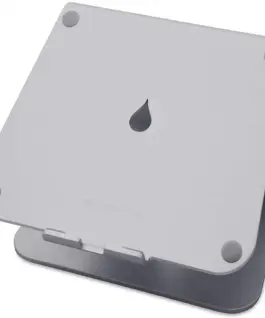 Поставка за лаптоп Rain Design mStand360, Астро сива
61.39 € (вкл. ДДС) / 120.07 лв.
Поставка за лаптоп Rain Design mStand360, Астро сива
61.39 € (вкл. ДДС) / 120.07 лв. -
×
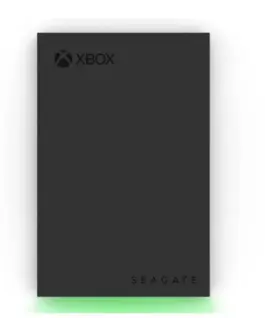 Seagate HDD Xbox Drive 2TB 2,5E STKX2000400
177.85 € (вкл. ДДС) / 347.85 лв.
Seagate HDD Xbox Drive 2TB 2,5E STKX2000400
177.85 € (вкл. ДДС) / 347.85 лв. -
×
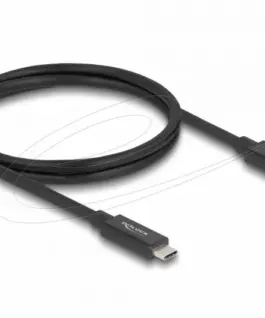 Delock Кабел E-Marker USB-C, 80 Gbps, 16K 60 Hz, PD 3.1 240 W, 1 m, черен
18.94 € (вкл. ДДС) / 37.04 лв.
Delock Кабел E-Marker USB-C, 80 Gbps, 16K 60 Hz, PD 3.1 240 W, 1 m, черен
18.94 € (вкл. ДДС) / 37.04 лв.
с поръчка
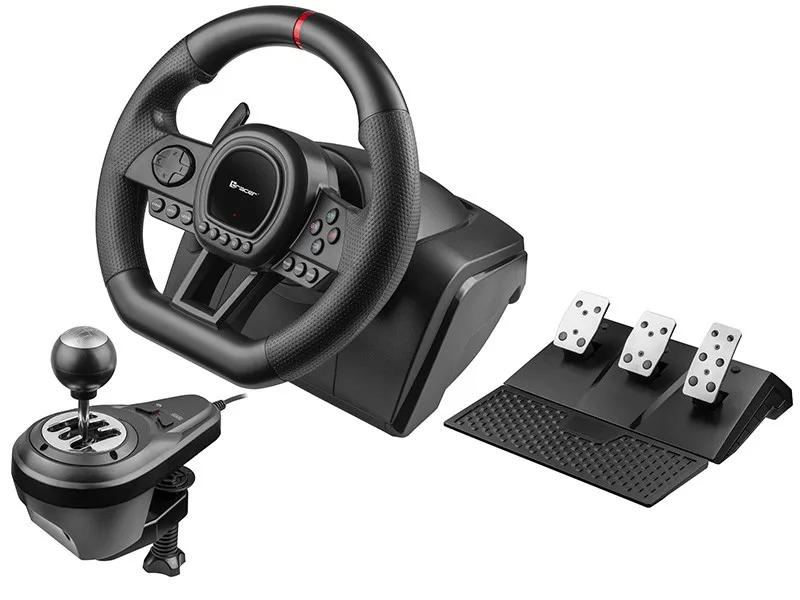
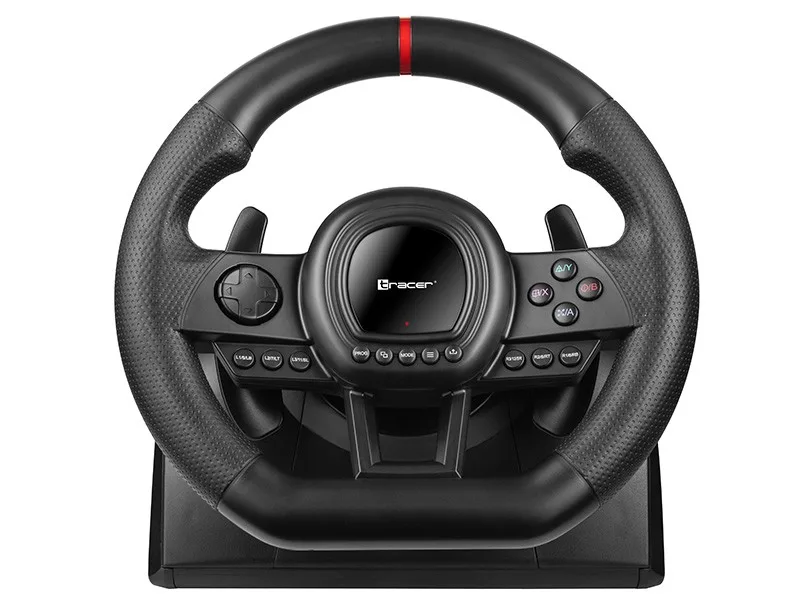
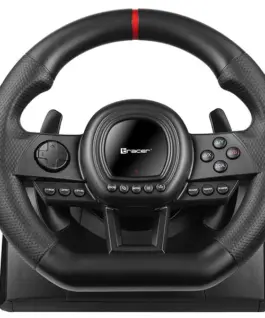
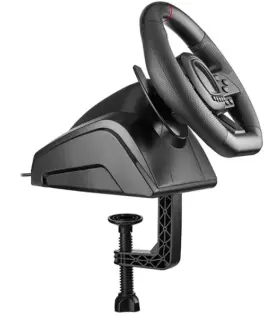
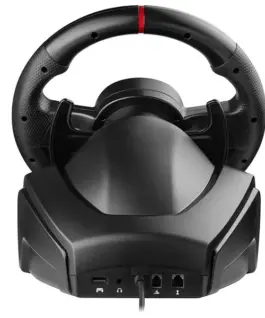
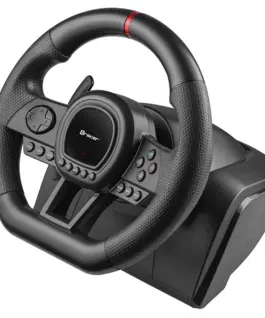
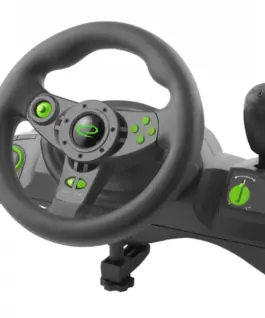
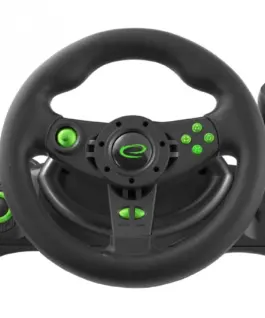
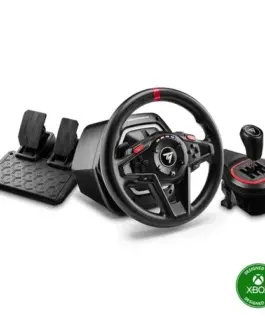
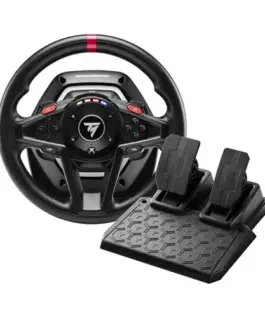
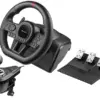
Tracer Steering Wheel SimRacer Manual Gearbox 6in1 (PC/PS4/PS3/Xone/X360/SWITCH)
Tracer Steering Wheel SimRacer Manual Gearbox 6in1 (PC/PS4/PS3/Xone/X360/SWITCH)
Description:
SimRacer Manual Gearbox 6-in-1 Racing Wheel (PC/PS4/PS3/Xbox One/Xbox 360/Switch)
Are racing games your passion? Get behind the wheel with the SimRacer Racing Wheel and leave your opponents behind. The high-quality SimRacer Racing Wheel is compatible with PS3, PS4, Xbox One, Xbox 360, Nintendo Switch consoles, as well as Windows PCs.
- 270° steering rotation
- 8 analog action buttons
- 8 programmable buttons
- 3 adjustable sensitivity levels
Realistic Driving Experience
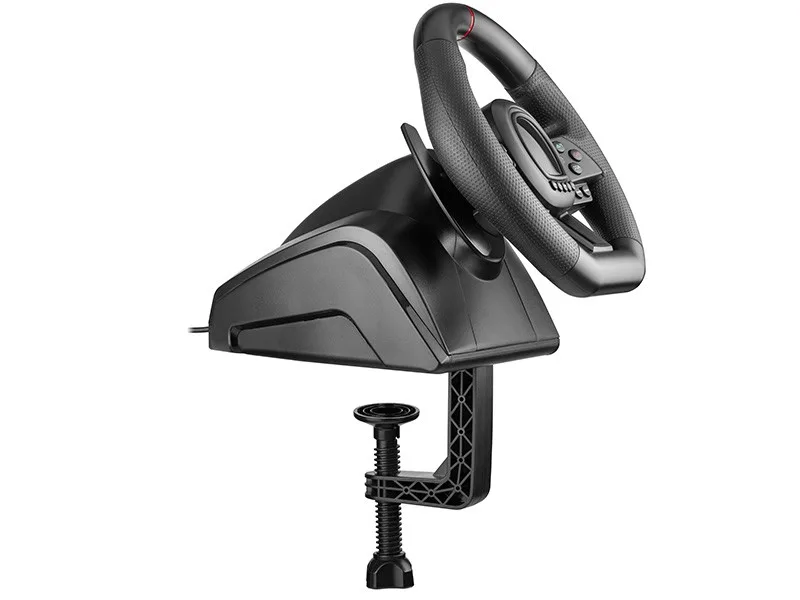
The steering wheel operates smoothly and quietly. The included manual gear shifter and separate pedal unit with brake, accelerator, and clutch pedals create a realistic driving setup, allowing for quick reactions, smooth acceleration, comfortable braking, and precise gear changes. Experience the thrill of driving as if you were behind the wheel of a real rally car. The 270° steering angle enhances immersion, while built-in suction cups securely attach the wheel to your desk or table for maximum stability during intense races.
Comfort and Durability
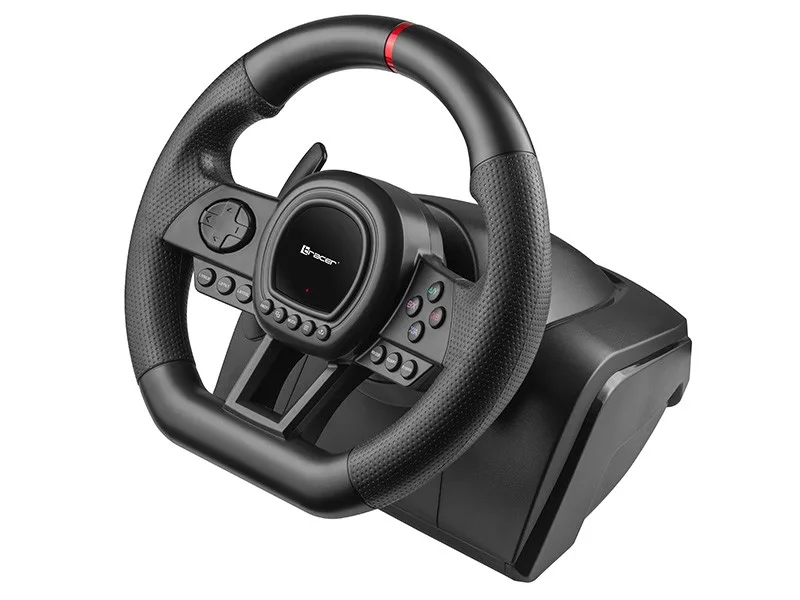
Constructed from high-quality materials, the SimRacer gaming wheel is built for reliability and long-lasting performance. Action buttons and the 8-way analog D-pad are conveniently integrated into the steering wheel, ensuring quick and easy access during gameplay.
Secure Grip
Enjoy a realistic racing experience with maximum comfort. The steering wheel is covered with perforated rubber, providing a secure, non-slip grip even during the most demanding races. Four integrated LED indicators help you monitor acceleration without taking your eyes off the track.
Important
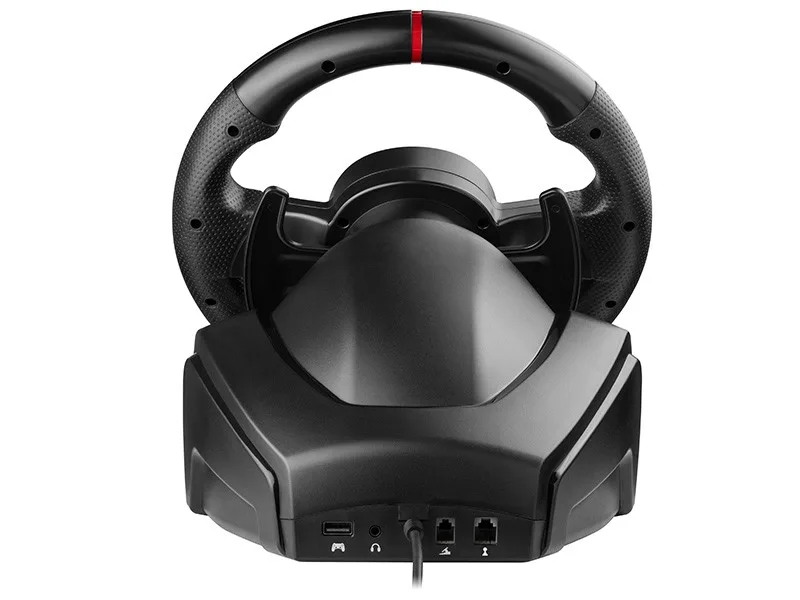
To connect a PS4 controller to the steering wheel, you must use a standard 4-wire USB cable (not included). A 2-wire USB charging cable intended only for powering portable devices is not compatible with the steering wheel.
Sample Compatibility List for the Manual Gearbox with Selected Racing and Simulation Games
Verified compatibility of the manual gearbox and clutch pedal:
- PC: BeamNG.drive, Euro Truck Simulator 2, MudRunner, SnowRunner, Forza Horizon 5, Assetto Corsa, Forza Motorsport 7
- PS4: Gran Turismo 7 (clutch pedal not supported), Assetto Corsa, Gravel, WRC Generations
- Xbox One: Forza Horizon 5, Assetto Corsa, Dirt Rally 2.0, Forza Motorsport 7 (manual gear shifter not supported)
In all other supported games, the Tracer SimRacer 6-in-1 Racing Wheel will continue to function in automatic transmission mode. Gears can be shifted using the paddle shifters, while the clutch pedal is not supported.
This compatibility list is provided for reference only and may change as operating system or game updates affect controller support.
PC games require manual configuration of steering wheel controls within the game’s settings. Please refer to the documentation provided by the game publisher for setup instructions.
For Forza Horizon 5:
Go to Settings/Controls/Change Input Mapping/Wheel. Select the control profile, press the Right Arrow (the Left and Right Arrow buttons switch between player profiles), choose the desired function, and then press the corresponding button on the steering wheel to assign it.
Steering Wheel Memory
This steering wheel features built-in memory that retains settings even after being disconnected from the computer. Because settings are not automatically reset, previously assigned functions may remain active when switching between platforms or games, resulting in incorrect button mappings. The reset procedure is described in the included user manual and below.
Reset all button assignments:
- Press the PROG button once. The red indicator LED will flash rapidly.
- Press and hold the OPTIONS/MENU button for 4 seconds. The red LED will remain illuminated continuously. All custom button assignments will be erased, and the default sensitivity will be restored (Low for PC and Medium for all other supported platforms).
Note: Button assignments are stored in the steering wheel’s internal memory even when the power is disconnected. Failure to reset the settings when changing platforms or games may result in incorrect controller behavior and unnecessary warranty claims.
128.75 € с ДДС / 251.81 лв.
Време на доставка: 10 дни
Времето за доставка е 10 - 12 дни
Времето за доставка е 10 - 12 дни
Налично за предварителни продажби
Tracer Steering Wheel SimRacer Manual Gearbox 6in1 (PC/PS4/PS3/Xone/X360/SWITCH)
Описание:
SimRacer Manual Gearbox 6-in-1 Racing Wheel (PC/PS4/PS3/Xbox One/Xbox 360/Switch)
Are racing games your passion? Get behind the wheel with the SimRacer Racing Wheel and leave your opponents behind. The high-quality SimRacer Racing Wheel is Съвместим с PS3, PS4, Xbox One, Xbox 360, Nintendo Switch consoles, as well as Windows PCs.
- 270° steering rotation
- 8 analog action buttons
- 8 programmable buttons
- 3 adjustable sensitivity levels
Realistic Driving Experience
The steering wheel operates smoothly and quietly. The included manual gear shifter and separate pedal unit with brake, accelerator, and clutch pedals create a realistic driving setup, allowing for quick reactions, smooth acceleration, comfortable braking, and precise gear changes. Experience the thrill of driving as if you were behind the wheel of a real rally car. The 270° steering angle enhances immersion, while built-in suction cups securely attach the wheel to your desk or table for maximum stability during intense races.
Comfort and Durability
Constructed from high-quality materials, the SimRacer gaming wheel is built for reliability and long-lasting performance. Action buttons and the 8-way analog D-pad are conveniently integrated into the steering wheel, ensuring quick and easy access during gameplay.
Secure Grip
Enjoy a realistic racing experience with maximum comfort. The steering wheel is covered with perforated rubber, providing a secure, non-slip grip even during the most demanding races. Four integrated LED indicators help you monitor acceleration without taking your eyes off the track.
Important
To connect a PS4 controller to the steering wheel, you must use a standard 4-wire USB cable (not included). A 2-wire USB charging cable intended only for powering portable devices is not Съвместим с the steering wheel.
Sample Compatibility List for the Manual Gearbox with Selected Racing and Simulation Games
Verified compatibility of the manual gearbox and clutch pedal:
- PC: BeamNG.drive, Euro Truck Simulator 2, MudRunner, SnowRunner, Forza Horizon 5, Assetto Corsa, Forza Motorsport 7
- PS4: Gran Turismo 7 (clutch pedal not supported), Assetto Corsa, Gravel, WRC Generations
- Xbox One: Forza Horizon 5, Assetto Corsa, Dirt Rally 2.0, Forza Motorsport 7 (manual gear shifter not supported)
In all other supported games, the Tracer SimRacer 6-in-1 Racing Wheel will continue to function in automatic transmission mode. Gears can be shifted using the paddle shifters, while the clutch pedal is not supported.
This compatibility list is provided for reference only and may change as operating system or game updates affect controller support.
PC games require manual configuration of steering wheel controls within the game’s settings. Please refer to the documentation provided by the game publisher for setup instructions.
For Forza Horizon 5:
Go to Settings/Controls/Change Input Mapping/Wheel. Select the control profile, press the Right Arrow (the Left and Right Arrow buttons switch between player profiles), choose the desired function, and then press the corresponding button on the steering wheel to assign it.
Steering Wheel памет
This steering wheel features built-in памет that retains settings even after being disconnected from the Компютър. Because settings are not automatically reset, previously assigned functions may remain active when switching between platforms or games, resulting in incorrect button mappings. The reset procedure is described in the included user manual and below.
Reset all button assignments:
- Press the PROG button once. The red indicator LED will flash rapidly.
- Press and hold the OPTIONS/MENU button for 4 seconds. The red LED will remain illuminated continuously. All custom button assignments will be erased, and the default sensitivity will be restored (Low for PC and Medium for all other supported platforms).
Note: Button assignments are stored in the steering wheel’s internal памет even when the power is disconnected. Failure to reset the settings when changing platforms or games may result in incorrect controller behavior and unnecessary warranty claims.
EAN: 5907512872611
Свързани продукти