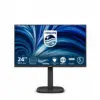

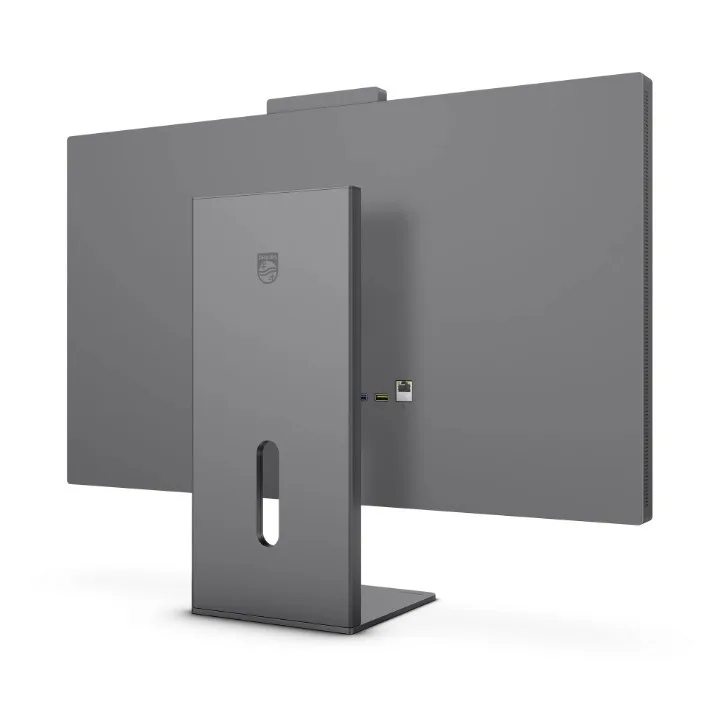
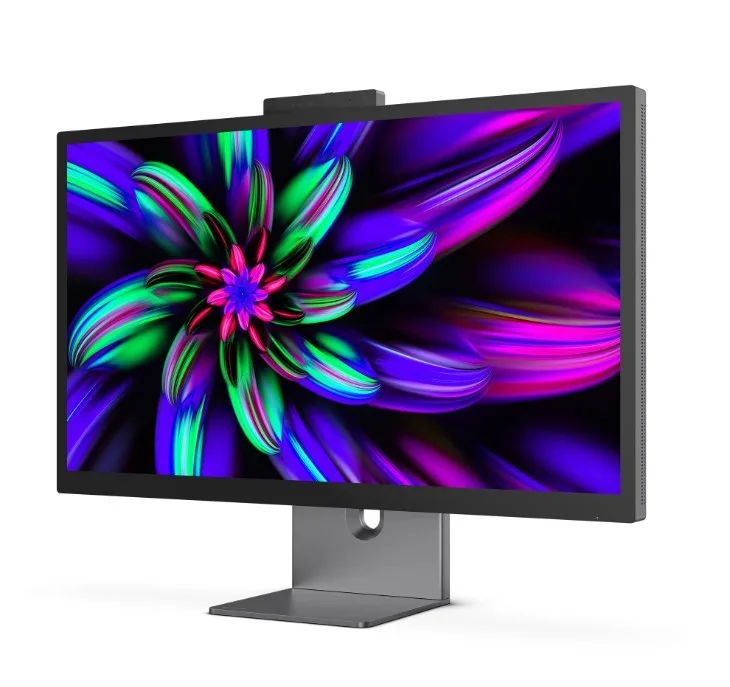
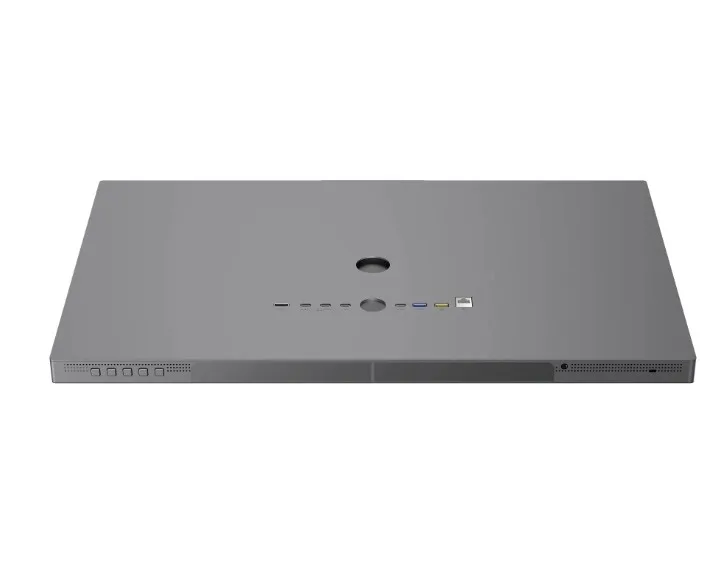
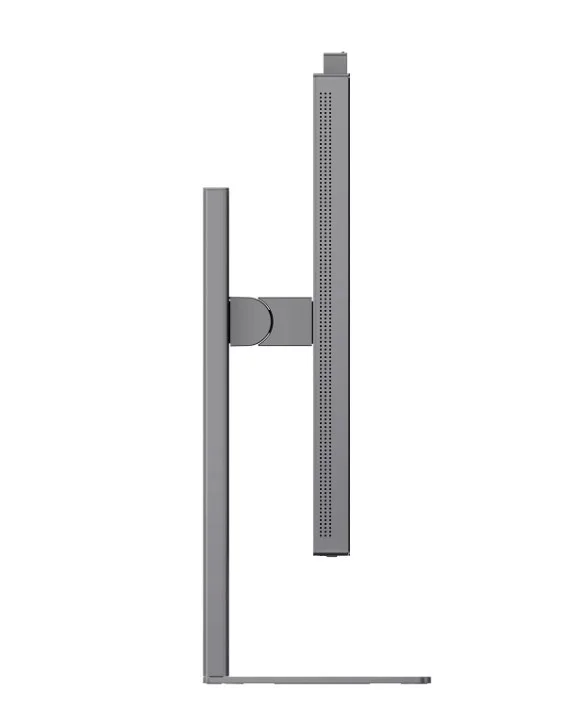
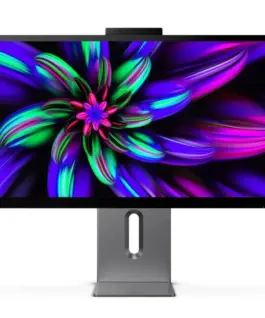
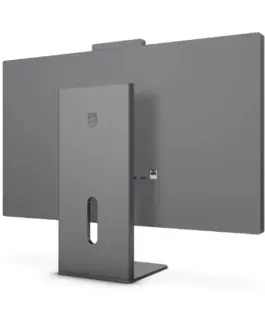
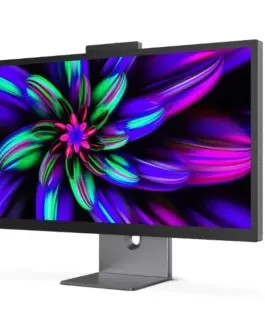

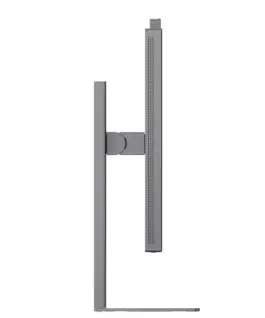
Philips Monitor 27E3U7903 27 inch IPS 5K Thunderbolt 4 RJ45 Pivot Speakers
Philips Monitor 27E3U7903 27 inch IPS 5K Thunderbolt 4 RJ45 Pivot Speakers
Description:
5K Ultra HD (5120 x 2880) Resolution Delivers a Crisp, Detailed Image
14.7 million pixels deliver a crisp, detailed image. With 5K Ultra HD resolution, four times greater than Quad HD, images are more detailed than ever before.
DisplayHDR 600 Technology for a Superior Visual Experience
VESA DisplayHDR 600 certification delivers a completely new viewing experience. Unlike other HDR-compatible monitors, true DisplayHDR 600-certified displays deliver astonishing brightness, unparalleled contrast, and captivating colors. With local dimming and an ultra-high brightness of up to 600 nits, images come alivebright colors are dramatically brighter, and dark colors are even deeper and more nuanced. A fuller palette of vibrant new colors makes viewing an inspiring, sensory experience.
Calman Ready: For Automatic and Bright Color Calibration
This new technology allows you to calibrate your screen in a fraction of the traditional time, without compromising the beautiful and aesthetic color gamut. Unlike manual calibration, Calman Ready monitors calibrate automatically. This automation ensures vibrant colors, creating Hollywood-grade colors and ideal for color-critical professions.
1.07 billion colors deliver dazzling colors and the finest color gradation
This monitor delivers exceptional color depth (1.07 billion colors) and the finest color gradation, allowing for smooth, detailed, and vibrant image reproduction. It guarantees accurate and realistic graphics in games, movies, and color-critical graphics applications.
Lightning-fast connectivity for data transfer, video display, and Ethernet
This Philips docking monitor features a Thunderbolt 4 connection. Compared to conventional USB-C monitors, Thunderbolt 4 technology provides lightning-fast 40 Gbps data transfer, high-resolution display, multi-stream daisy-chaining, up to 96W of power to devices, and a stable 1 Gbps Ethernet connection.
Simple and efficient daisy-chaining for multi-monitor setups
Daisy-chaining allows you to power multiple monitors and devices from a single Thunderbolt port on your notebook. Connect a monitor from your notebook’s Thunderbolt port, then connect a second 4K monitor from the second Thunderbolt port on this monitor.
Vivid, accurate colors in line with professional color standards
This monitor displays vibrant, true-to-life colors thanks to its wide Display-P3 color gamut support, ideal for Apple users. Adobe RGB provides precise colors for professional photos and prints, while sRGB offers consistent, reliable colors for online and everyday use. Perfect for creative individuals who demand accuracy.
MultiView technology allows you to connect and display two devices simultaneously
This Philips monitor with its ultra-high-resolution panel and MultiView technology supports a wide range of input sources. MultiView technology allows you to actively connect two devices and display the image from each simultaneously, allowing you to efficiently multitask on both your desktop and notebook computers.
SmartKVM: for easy switching between sources.
Unlike a traditional built-in KVM monitor button, Smart KVM allows you to switch between sources with the click of a button on your keyboard. Once all devices are properly connected, users can easily switch between sources by triple-clicking the Ctrl key.
Built-in Stereo Speakers for Multimedia
The display is equipped with two built-in high-quality stereo speakers. These may be located on the front, bottom, top, rear, etc., depending on the model and design of the device.
AI Webcam Auto-Framing: For Dynamic Video Calls
This AI-enhanced feature is ideal for multi-person video conferencing. When one or more people join the webcam view, the AI-powered feature automatically adjusts and zooms to fit all team members in the frame. Similarly, when participants leave the webcam view, the AI-powered webcam adjusts accordingly, making it ideal for long meetings and team calls.
PowerSensor 2: Optimized Energy Efficiency
This monitor’s PowerSensor 2 feature reduces power consumption by detecting when users approach or move away from the screen. After switching the OSD setting to User, you’ll need to adjust the settings in Windows 11 for this feature to work properly. Once adjusted, the monitor and connected PC/laptop will wake up when someone approaches and sleep when someone moves away, effectively reducing the wake-up time. The sensing distance can be adjusted from 50, 75, or 120 cm from the user’s laptop. Note that Windows 11 must be installed.
Eyesafe certification ensures blue light protection and accurate color reproduction
This Philips monitor meets the TUV Rheinland Eyesafe standard, providing true protection against prolonged exposure to blue light. The always-on blue light filter not only helps reduce eye strain but also ensures color integrity.
1,046.58 € с ДДС / 2,046.93 лв.
Времето за доставка не е определено
Налично за предварителни продажби
Philips Monitor 27E3U7903 27 inch IPS 5K Thunderbolt 4 RJ45 Pivot Speakers
Описание:
5K Ultra HD (5120 x 2880) Resolution Delivers a Crisp, Detailed Image
14.7 million pixels deliver a crisp, detailed image. With 5K Ultra HD resolution, four times greater than Quad HD, images are more detailed than ever before.
DisplayHDR 600 Technology for a Superior Visual Experience
VESA DisplayHDR 600 certification delivers a completely new viewing experience. Unlike other HDR-compatible monitors, true DisplayHDR 600-certified displays deliver astonishing brightness, unparalleled contrast, and captivating Цвятs. With local dimming and an ultra-high brightness of up to 600 nits, images come alivebright Цвятs are dramatically brighter, and dark Цвятs are even deeper and more nuanced. A fuller palette of vibrant new Цвятs makes viewing an inspiring, sensory experience.
Calman Ready: For Automatic and Bright Цвят Calibration
This new technology allows you to calibrate your screen in a fraction of the traditional time, without compromising the beautiful and aesthetic Цвят gamut. Unlike manual calibration, Calman Ready monitors calibrate automatically. This automation ensures vibrant Цвятs, creating Hollywood-grade Цвятs and ideal for Цвят-critical professions.
1.07 billion Цвятs deliver dazzling Цвятs and the finest Цвят gradation
This monitor delivers exceptional Цвят depth (1.07 billion Цвятs) and the finest Цвят gradation, allowing for smooth, detailed, and vibrant image reproduction. It guarantees accurate and realistic graphics in games, movies, and Цвят-critical graphics applications.
Lightning-fast connectivity for data transfer, video display, and Ethernet
This Philips docking monitor features a Thunderbolt 4 connection. Compared to conventional USB-C monitors, Thunderbolt 4 technology provides lightning-fast 40 Gbps data transfer, high-resolution display, multi-stream daisy-chaining, up to 96W of power to devices, and a stable 1 Gbps Ethernet connection.
Simple and efficient daisy-chaining for multi-monitor setups
Daisy-chaining allows you to power multiple monitors and devices from a single Thunderbolt port on your Лаптоп. Connect a monitor from your Лаптоп’s Thunderbolt port, then connect a second 4K monitor from the second Thunderbolt port on this monitor.
Vivid, accurate Цвятs in line with professional Цвят standards
This monitor displays vibrant, true-to-life Цвятs thanks to its wide Display-P3 Цвят gamut support, ideal for Apple users. Adobe RGB provides precise Цвятs for professional photos and prints, while sRGB offers consistent, reliable Цвятs for online and everyday use. Perfect for creative individuals who demand accuracy.
MultiView technology allows you to connect and display two devices simultaneously
This Philips monitor with its ultra-high-resolution panel and MultiView technology supports a wide range of input sources. MultiView technology allows you to actively connect two devices and display the image from each simultaneously, allowing you to efficiently multitask on both your desktop and Лаптоп Компютърs.
SmartKVM: for easy switching between sources.
Unlike a traditional built-in KVM monitor button, Smart KVM allows you to switch between sources with the click of a button on your keyboard. Once all devices are properly connected, users can easily switch between sources by triple-clicking the Ctrl key.
Built-in Stereo Speakers for Multimedia
The display is equipped with two built-in high-quality stereo speakers. These may be located on the front, bottom, top, rear, etc., depending on the model and design of the device.
AI Webcam Auto-Framing: For Dynamic Video Calls
This AI-enhanced feature is ideal for multi-person video conferencing. When one or more people join the webcam view, the AI-powered feature automatically adjusts and zooms to fit all team members in the frame. Similarly, when participants leave the webcam view, the AI-powered webcam adjusts accordingly, making it ideal for long meetings and team calls.
PowerSensor 2: Optimized Energy Efficiency
This monitor’s PowerSensor 2 feature reduces power consumption by detecting when users approach or move away from the screen. After switching the OSD setting to User, you’ll need to adjust the settings in Windows 11 for this feature to work properly. Once adjusted, the monitor and connected PC/Лаптоп will wake up when someone approaches and sleep when someone moves away, effectively reducing the wake-up time. The sensing distance can be adjusted from 50, 75, or 120 cm from the user’s Лаптоп. Note that Windows 11 must be installed.
Eyesafe certification ensures blue light protection and accurate Цвят reproduction
This Philips monitor meets the TUV Rheinland Eyesafe standard, providing true protection against prolonged exposure to blue light. The always-on blue light filter not only helps reduce eye strain but also ensures Цвят integrity.
Свързани продукти