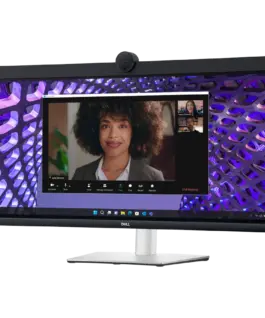
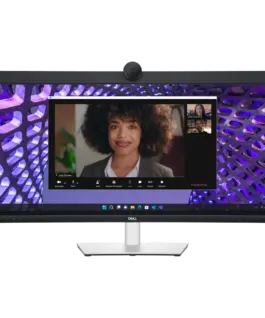
 Монитор Monitor LED Dell P3424WEB Curved Video Conferencing 34", 3440x1440 WQHD, IPS Antiglare, 21:9, 1000:1, 300 cd/m2, 8ms/5ms, 178/178, DP, HDMI, 2xUSB-C (DP/PD), USB-B, 2xUSB 3.2, RJ-45, 2x5W Speakers, Cam, Mic, Tilt, Swivel, Height Adjust, 3Y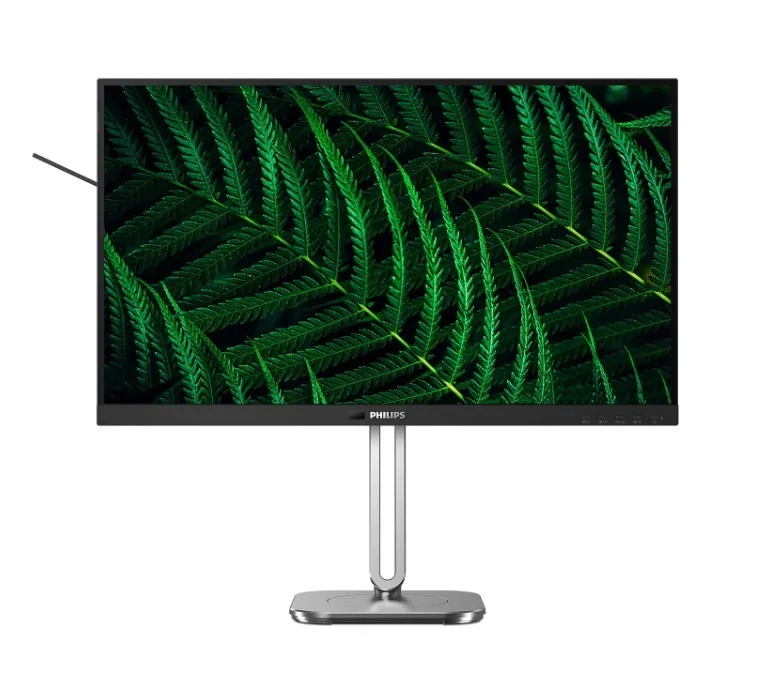
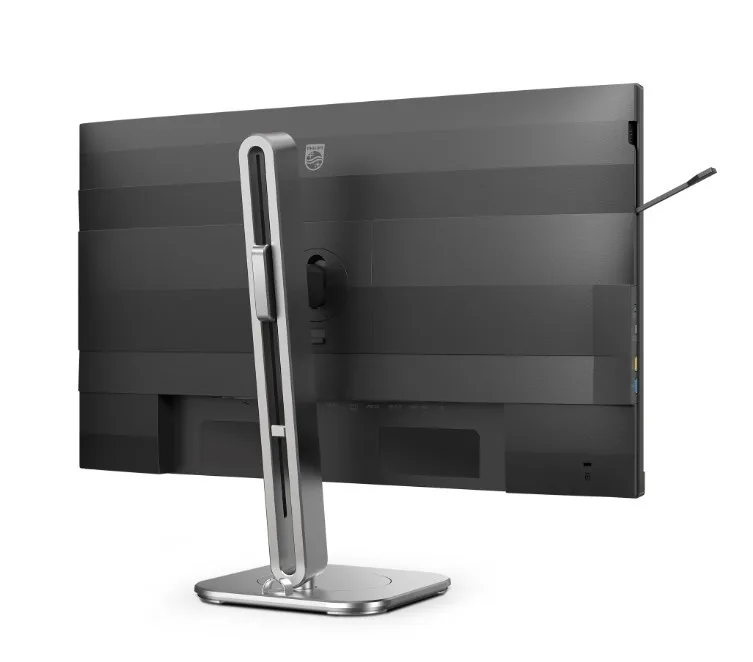
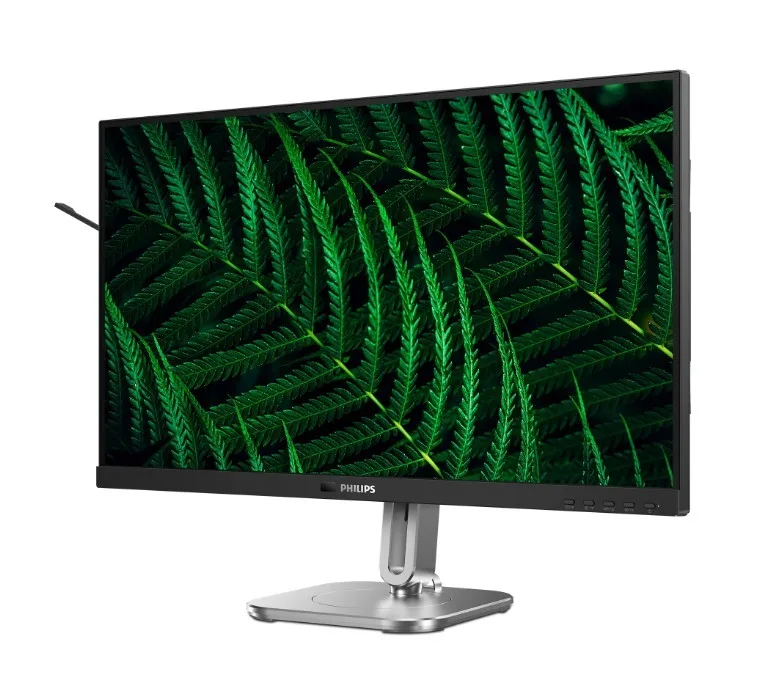
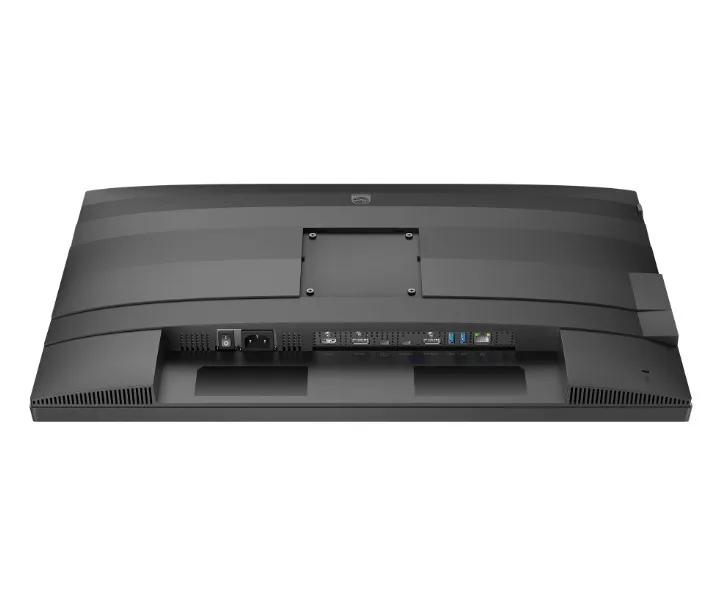
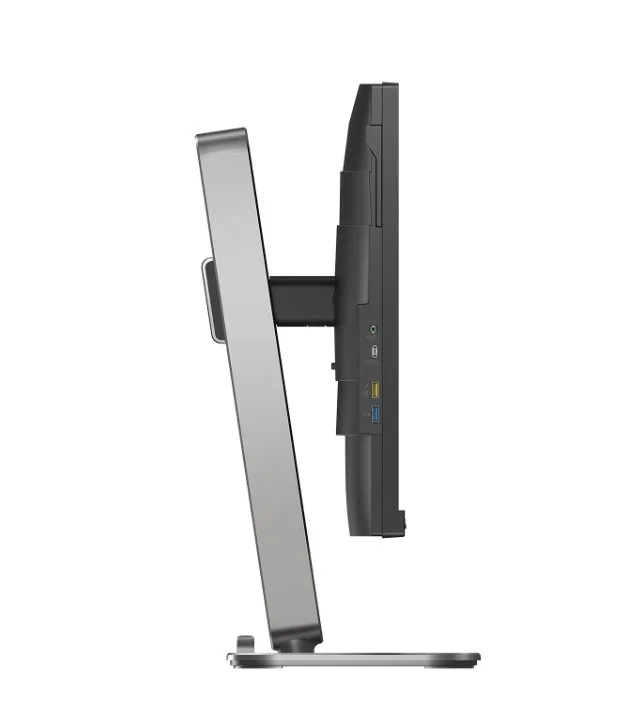
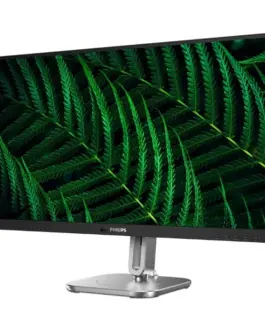
Philips Monitor 27B2G5601 27 inches IPS 100Hz HDMI DP RJ45 USB-C Pivot Speakers
Philips Monitor 27B2G5601 27 inches IPS 100Hz HDMI DP RJ45 USB-C Pivot Speakers
Description:
IPS technology provides brilliant colors and wide viewing angles
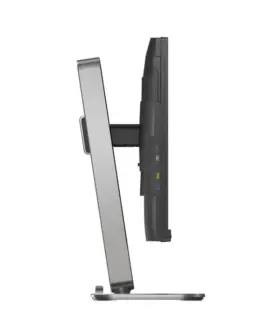
IPS monitors utilize advanced technology that provides an ultra-wide viewing angle of 178/178 degrees, allowing viewing from almost any angle, even in 90-degree swivel mode. Unlike standard TN panels, IPS monitors offer incredibly sharp images and vibrant colors. This makes them ideal not only for displaying photos, videos, or browsing the web, but also for professional applications requiring accurate color reproduction and consistent brightness at all times.
Built-in USB-C docking station
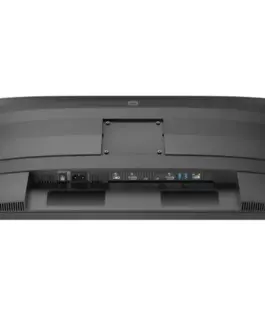
This Philips monitor features a built-in USB Type-C docking station with power delivery. The slim, reversible USB-C connector allows for easy docking with a single cable. Connect all your peripherals, such as a keyboard, mouse, and RJ-45 Ethernet cable, to the monitor’s docking station. Simply connect this monitor to your notebook with a single USB-C cable to watch high-resolution videos and transfer data quickly while simultaneously powering or charging your notebook.
100% recyclable material and FSC-certified packaging
This monitor is packaged in 100% recyclable material and is FSC-certified. This certification ensures that the packaging was designed with environmental sustainability in mind.
Made from 85% PCR and 5% ocean-bound plastic
Being eco-friendly means reusing old materials. That’s why this Philips monitor is made from 85% post-consumer recycled plastic and 5% ocean-bound plastic, a collaborative effort to reduce waste.
PowerSensor 2: Optimized energy efficiency
This monitor’s PowerSensor 2 feature reduces energy consumption by detecting when users approach or move away from the screen. After switching the OSD setting to User, you must adjust the settings in Windows 11 for this feature to work properly. Once adjusted, the monitor and connected PC/laptop will wake up when someone approaches and sleep when someone moves away, effectively reducing the wake-up time. The sensing distance can be adjusted from 50, 75, or 120 cm from the user’s laptop. Note that Windows 11 must be installed.
Eyesafe certification ensures blue light protection and accurate color reproduction.
This Philips monitor meets the TUV Rheinland Eyesafe standard, providing true protection from prolonged exposure to blue light. The always-on blue light filter not only helps reduce eye strain but also ensures color integrity.
SoftBlue Technology: For a pleasant viewing experience.
SoftBlue LED technology, combined with a low-blue light monitor panel, is an effective solution for reducing the adverse health effects caused by high blue light exposure. This monitor panel reduces the light output by nearly 50 percent, and its SoftBlue LED technology simultaneously reduces harmful blue light rays emitted from the screen. Furthermore, SoftBlue LED technology has been tested and certified by TUV Rheinland Eyesafe for effective blue light reduction.
LowBlue Mode and Flicker-free Technology are Easy on the Eyes
LowBlue Mode and Flicker-free Technology were developed to reduce eye strain caused by viewing a monitor for long hours.
SmartKVM: For Easy Source Switching
Unlike a traditional built-in KVM monitor button, Smart KVM allows switching between sources with the click of a button on the keyboard. Once all devices are properly connected, users can easily switch between sources by triple-clicking the Ctrl key.
MultiView Technology Allows Two Devices to Be Connected and Displayed Simultaneously
The Philips monitor with its ultra-high resolution panel and MultiView technology supports a wide range of input sources. MultiView technology allows you to actively connect two devices and display the image from each simultaneously, so you can, for example, efficiently multitask on your desktop and notebook computer at the same time.
377.11 € с ДДС / 737.57 лв.
Времето за доставка не е определено
Налично за предварителни продажби
Philips Monitor 27B2G5601 27 inches IPS 100Hz HDMI DP RJ45 USB-C Pivot Speakers
Описание:
IPS technology provides brilliant Цвятs and wide viewing angles
IPS monitors utilize advanced technology that provides an ultra-wide viewing angle of 178/178 degrees, allowing viewing from almost any angle, even in 90-degree swivel mode. Unlike standard TN panels, IPS monitors offer incredibly sharp images and vibrant Цвятs. This makes them ideal not only for displaying photos, videos, or browsing the web, but also for professional applications requiring accurate Цвят reproduction and consistent brightness at all times.
Built-in USB-C docking station
This Philips monitor features a built-in USB Тип-C docking station with power delivery. The slim, reversible USB-C connector allows for easy docking with a single cable. Connect all your peripherals, such as a keyboard, mouse, and RJ-45 Ethernet cable, to the monitor’s docking station. Simply connect this monitor to your Лаптоп with a single USB-C cable to watch high-resolution videos and transfer data quickly while simultaneously powering or charging your Лаптоп.
100% recyclable material and FSC-certified packaging
This monitor is packaged in 100% recyclable material and is FSC-certified. This certification ensures that the packaging was designed with environmental sustainability in mind.
Made from 85% PCR and 5% ocean-bound plastic
Being eco-friendly means reusing old materials. That’s why this Philips monitor is made from 85% post-consumer recycled plastic and 5% ocean-bound plastic, a collaborative effort to reduce waste.
PowerSensor 2: Optimized energy efficiency
This monitor’s PowerSensor 2 feature reduces energy consumption by detecting when users approach or move away from the screen. After switching the OSD setting to User, you must adjust the settings in Windows 11 for this feature to work properly. Once adjusted, the monitor and connected PC/Лаптоп will wake up when someone approaches and sleep when someone moves away, effectively reducing the wake-up time. The sensing distance can be adjusted from 50, 75, or 120 cm from the user’s Лаптоп. Note that Windows 11 must be installed.
Eyesafe certification ensures blue light protection and accurate Цвят reproduction.
This Philips monitor meets the TUV Rheinland Eyesafe standard, providing true protection from prolonged exposure to blue light. The always-on blue light filter not only helps reduce eye strain but also ensures Цвят integrity.
SoftBlue Technology: For a pleasant viewing experience.
SoftBlue LED technology, combined with a low-blue light monitor panel, is an effective solution for reducing the adverse health effects caused by high blue light exposure. This monitor panel reduces the light output by nearly 50 percent, and its SoftBlue LED technology simultaneously reduces harmful blue light rays emitted from the screen. Furthermore, SoftBlue LED technology has been tested and certified by TUV Rheinland Eyesafe for effective blue light reduction.
LowBlue Mode and Flicker-free Technology are Easy on the Eyes
LowBlue Mode and Flicker-free Technology were developed to reduce eye strain caused by viewing a monitor for long hours.
SmartKVM: For Easy Source Switching
Unlike a traditional built-in KVM monitor button, Smart KVM allows switching between sources with the click of a button on the keyboard. Once all devices are properly connected, users can easily switch between sources by triple-clicking the Ctrl key.
MultiView Technology Allows Two Devices to Be Connected and Displayed Simultaneously
The Philips monitor with its ultra-high resolution panel and MultiView technology supports a wide range of input sources. MultiView technology allows you to actively connect two devices and display the image from each simultaneously, so you can, for example, efficiently multitask on your desktop and Лаптоп Компютър at the same time.
Свързани продукти