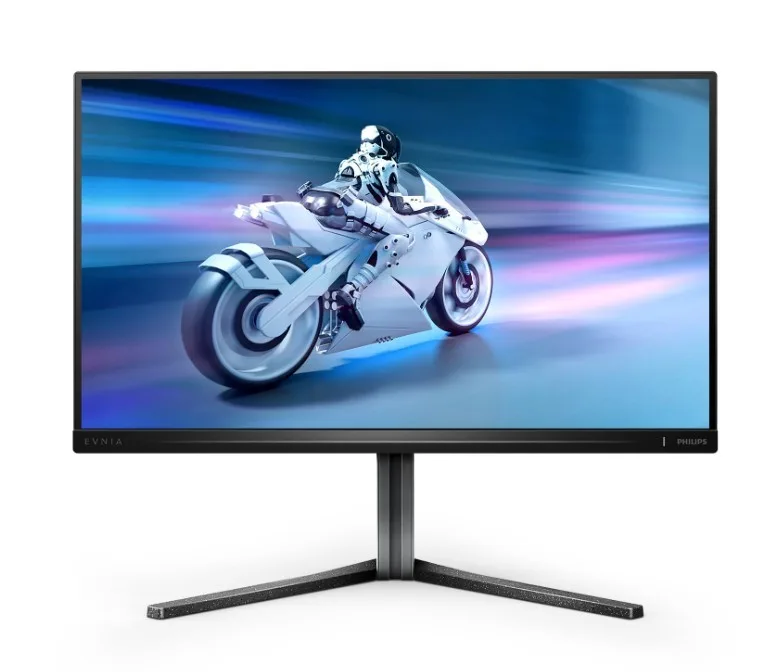
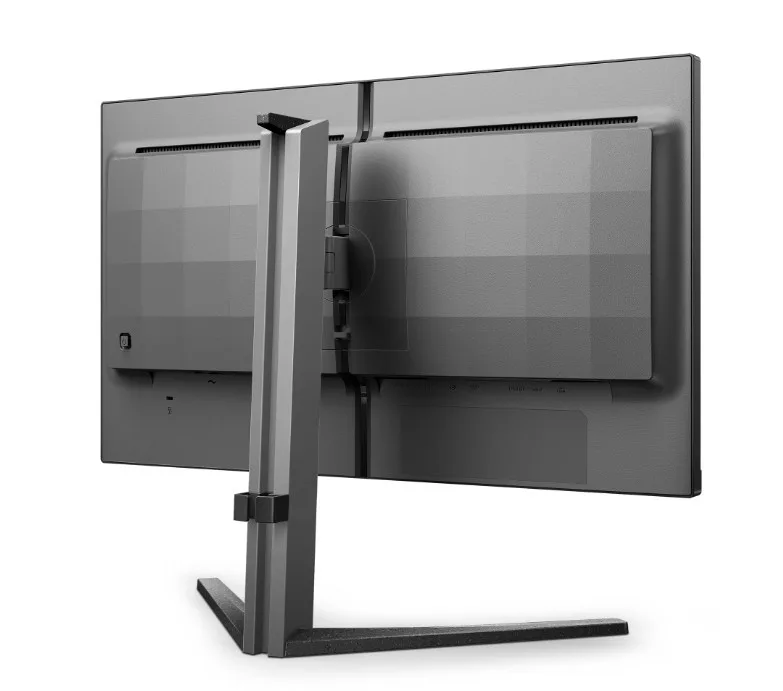
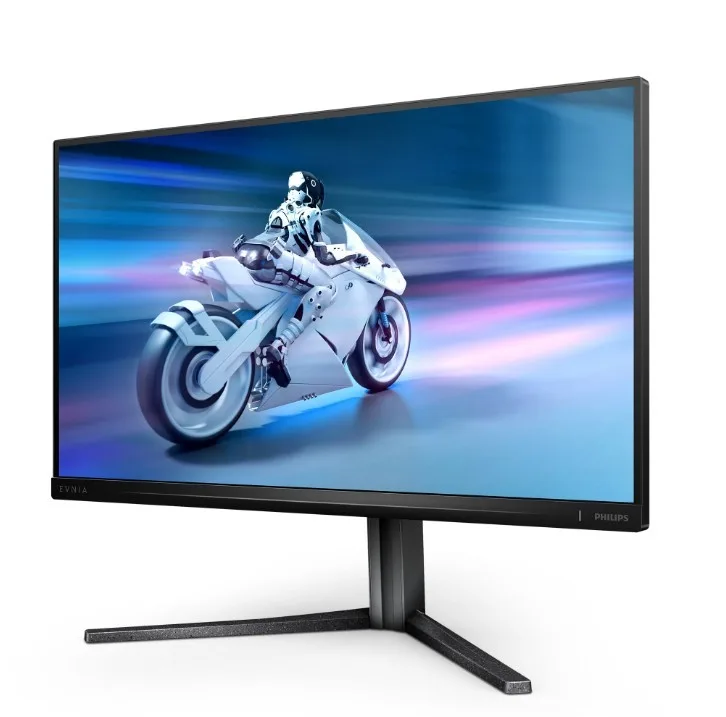
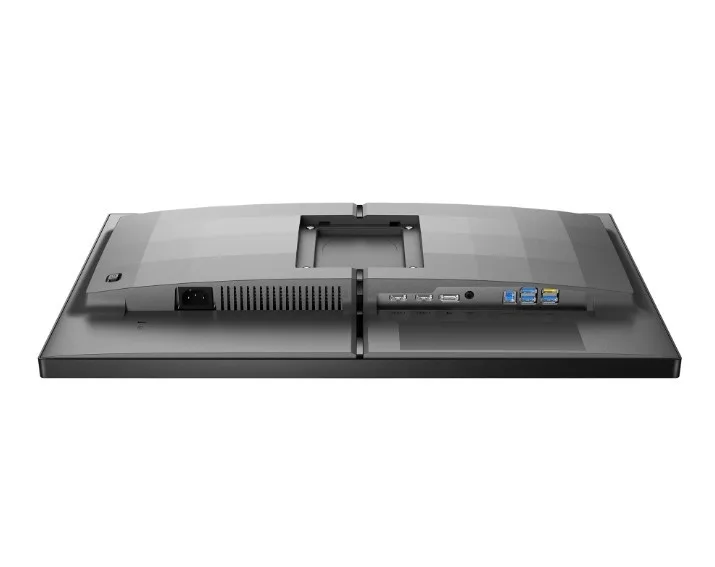
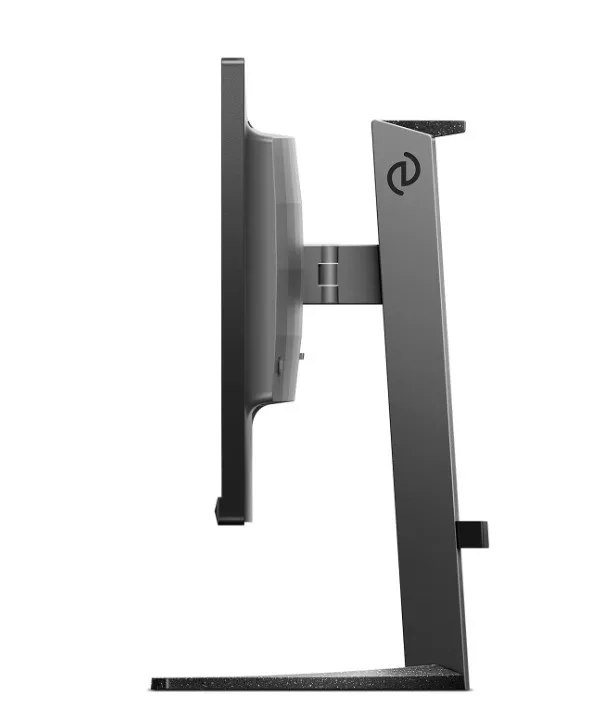
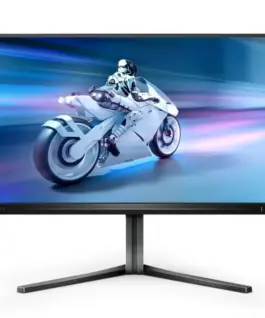
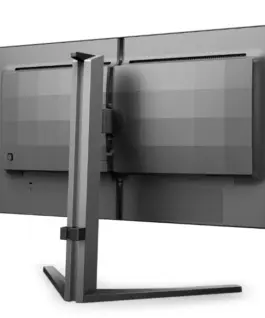
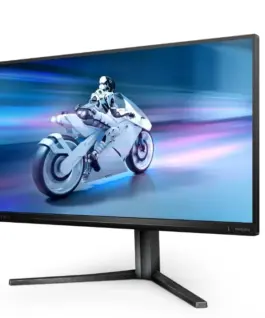
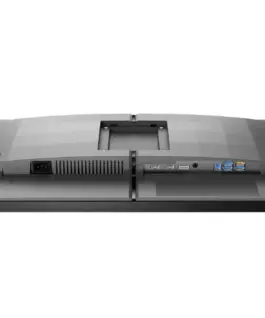
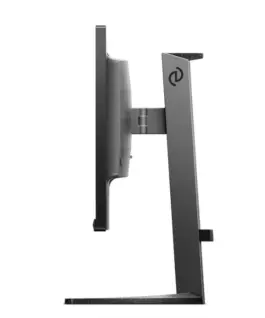
Philips Monitor 25M2N5200U 24.5 inches IPS 390Hz HDMIx2 DP Pivot
Philips Monitor 25M2N5200U 24.5 inches IPS 390Hz HDMIx2 DP Pivot
Description:
390Hz refresh rate for smooth, crisp visuals
The Philips Evnia monitor gives you the ultimate advantage in intense competitive gaming. Designed for gamers who demand exceptionally smooth, lag-free visuals, this monitor delivers an overclocked 390Hz refresh rate significantly higher than standard displays. Forget frustrating frame drops that cause enemies to jump unpredictably on-screen. With this high-performance monitor, you’ll quickly spot every crucial movement, maintaining the precision and clarity to stay ahead of the competition and make confident shots.
Low input lag reduces the time it takes for signals to travel from your devices to your monitor.
Input lag is the amount of time it takes between an action on your connected devices and the result being displayed on screen. Low input lag reduces the delay between entering a command on your device and receiving it on the monitor, significantly improving the quality of gameplay in games that require particularly high frame rates, such as fast-paced competitive games.
A fast 0.3ms response time ensures crisp images and smooth gameplay.
A Philips monitor with Smart MBR 0.3ms effectively eliminates streaks and blur, delivering sharper, clearer gaming images. Dynamic action and dramatic transitions will be seamlessly reproduced. It’s the best choice for intense, frame-rate-demanding gaming.
DisplayHDR 400 provides a more realistic and immersive viewing experience.
VESA DisplayHDR 400 certification is a technology that delivers a completely new viewing experience compared to standard SDR monitors. Unlike other HDR-compatible monitors, true DisplayHDR 400-certified displays deliver astonishing brightness, unparalleled contrast, and stunning colors. With global dimming and a minimum brightness of up to 400 nits, images come alive. Light colors are dramatically brighter, and dark colors are even deeper and more nuanced. A fuller palette of new, vibrant colors makes viewing an inspiring, sensory experience.
SmartContrast for Deep Blacks and Enhanced Details
Philips SmartContrast technology analyzes the content displayed on your screen and automatically adjusts the colors and backlight intensity. The contrast is dynamically adjusted to best reproduce digital images and videos, as well as darker colors in games. In Eco Mode, the contrast and backlight are adjusted to properly display office content while reducing power consumption.
LowBlue Mode and Flicker-free Technology are Easy on the Eyes
LowBlue Mode and Flicker-free Technology are designed to reduce eye strain caused by long hours of viewing a monitor.
SmartImage Game Mode Optimized for Gamers
This new Philips monitor is designed for gamers. Its quickly accessible on-screen menu offers a variety of options. FPS (First Person Shooting) Mode enhances dark areas, helping you spot hidden objects in the dark. Racing mode features faster response times, more vibrant colors, and a customized image. RTS (Real Time Strategy) mode offers a special SmartFrame feature that allows you to highlight specific areas and change size and image settings. Gamer 1 and Gamer 2, on the other hand, allow you to customize settings for different games and save them for optimal results.
Smart Crosshair: More Accuracy and Fun
The crosshair color is set by default. When Smart Crosshair is enabled, the color will change to complement the background color. Smart Crosshair increases accuracy, making it easier to spot enemies.
Stark ShadowBoost: For Improved Visibility in Dark Scenes
This feature enhances dark scenes without overexposing bright areas. Stark ShadowBoost has three selectable levels, offering textured images with improved color saturation and higher contrast, allowing you to see better in both bright and dark environments. Furthermore, this feature helps fine-tune your vision so enemies are revealed more quickly during gameplay.
Smart MBR: Motion Blur Reduction.
To reduce motion blur, this monitor’s LED backlight works in parallel with the refresh rate to control brightness levels for optimal image clarity. Please note that SmartMBR is a gaming mode, requiring a minimum refresh rate of 75 Hz, and it is recommended to disable this feature outside of gaming, as it may cause screen flickering.
Evnia Precision Center: Maximize Your Gaming Experience
Evnia Precision Center is easy-to-use software designed to optimize and personalize your Evnia monitor. Whether you’re a casual gamer or a competitive gamer, it offers a wide range of customization options to suit your unique playstyle. With intuitive controls and smooth navigation, Evnia Precision Center puts you in complete control, putting everything you need to take your gameplay to the next levelright at your fingertips.
366.67 € с ДДС / 717.15 лв.
Времето за доставка не е определено
Налично за предварителни продажби
Philips Monitor 25M2N5200U 24.5 inches IPS 390Hz HDMIx2 DP Pivot
Описание:
390Hz refresh rate for smooth, crisp visuals
The Philips Evnia monitor gives you the ultimate advantage in intense competitive gaming. Designed for gamers who demand exceptionally smooth, lag-free visuals, this monitor delivers an overclocked 390Hz refresh rate significantly higher than standard displays. Forget frustrating frame drops that cause enemies to jump unpredictably on-screen. With this high-performance monitor, you’ll quickly spot every crucial movement, maintaining the precision and clarity to stay ahead of the competition and make confident shots.
Low input lag reduces the time it takes for signals to travel from your devices to your monitor.
Input lag is the amount of time it takes between an action on your connected devices and the result being displayed on screen. Low input lag reduces the delay between entering a command on your device and receiving it on the monitor, significantly improving the quality of gameplay in games that require particularly high frame rates, such as fast-paced competitive games.
A fast 0.3ms response time ensures crisp images and smooth gameplay.
A Philips monitor with Smart MBR 0.3ms effectively eliminates streaks and blur, delivering sharper, clearer gaming images. Dynamic action and dramatic transitions will be seamlessly reproduced. It’s the best choice for intense, frame-rate-demanding gaming.
DisplayHDR 400 provides a more realistic and immersive viewing experience.
VESA DisplayHDR 400 certification is a technology that delivers a completely new viewing experience compared to standard SDR monitors. Unlike other HDR-compatible monitors, true DisplayHDR 400-certified displays deliver astonishing brightness, unparalleled contrast, and stunning Цвятs. With global dimming and a minimum brightness of up to 400 nits, images come alive. Light Цвятs are dramatically brighter, and dark Цвятs are even deeper and more nuanced. A fuller palette of new, vibrant Цвятs makes viewing an inspiring, sensory experience.
SmartContrast for Deep Blacks and Enhanced Details
Philips SmartContrast technology analyzes the content displayed on your screen and automatically adjusts the Цвятs and backlight intensity. The contrast is dynamically adjusted to best reproduce digital images and videos, as well as darker Цвятs in games. In Eco Mode, the contrast and backlight are adjusted to properly display office content while reducing power consumption.
LowBlue Mode and Flicker-free Technology are Easy on the Eyes
LowBlue Mode and Flicker-free Technology are designed to reduce eye strain caused by long hours of viewing a monitor.
SmartImage Game Mode Optimized for Gamers
This new Philips monitor is designed for gamers. Its quickly accessible on-screen menu offers a variety of options. FPS (First Person Shooting) Mode enhances dark areas, helping you spot hidden objects in the dark. Racing mode features faster response times, more vibrant Цвятs, and a customized image. RTS (Real Time Strategy) mode offers a special SmartFrame feature that allows you to highlight specific areas and change size and image settings. Gamer 1 and Gamer 2, on the other hand, allow you to customize settings for different games and save them for optimal results.
Smart Crosshair: More Accuracy and Fun
The crosshair Цвят is set by default. When Smart Crosshair is enabled, the Цвят will change to complement the background Цвят. Smart Crosshair increases accuracy, making it easier to spot enemies.
Stark ShadowBoost: For Improved Visibility in Dark Scenes
This feature enhances dark scenes without overexposing bright areas. Stark ShadowBoost has three selectable levels, offering textured images with improved Цвят saturation and higher contrast, allowing you to see better in both bright and dark environments. Furthermore, this feature helps fine-tune your vision so enemies are revealed more quickly during gameplay.
Smart MBR: Motion Blur Reduction.
To reduce motion blur, this monitor’s LED backlight works in parallel with the refresh rate to control brightness levels for optimal image clarity. Please note that SmartMBR is a gaming mode, requiring a minimum refresh rate of 75 Hz, and it is recommended to disable this feature outside of gaming, as it may cause screen flickering.
Evnia Precision Center: Maximize Your Gaming Experience
Evnia Precision Center is easy-to-use software designed to optimize and personalize your Evnia monitor. Whether you’re a casual gamer or a competitive gamer, it offers a wide range of customization options to suit your unique playstyle. With intuitive controls and smooth navigation, Evnia Precision Center puts you in complete control, putting everything you need to take your gameplay to the next levelright at your fingertips.
Свързани продукти