

-
×
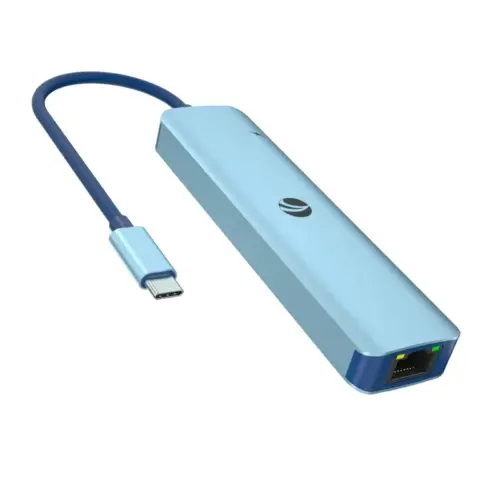 VCom докинг станция Docking Station Type-C 6-in-1 - CUE55 - PD3.0 100W, LAN 1000Mbps, HDMI, USB3.0 x 3
1 × 42.79 лв. / €21.88
VCom докинг станция Docking Station Type-C 6-in-1 - CUE55 - PD3.0 100W, LAN 1000Mbps, HDMI, USB3.0 x 3
1 × 42.79 лв. / €21.88 -
×
 USB хъб 10 порта, DELOCK-63670
1 × 148.04 лв. / €75.69
USB хъб 10 порта, DELOCK-63670
1 × 148.04 лв. / €75.69 -
×
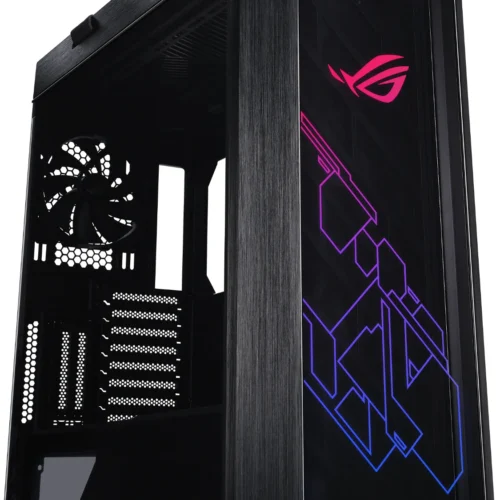 Кутия за компютър ASUS ROG Strix Helios, ATX/EATX, Mid-Tower, Aura Sync ARGB
1 × 590.12 лв. / €301.73
Кутия за компютър ASUS ROG Strix Helios, ATX/EATX, Mid-Tower, Aura Sync ARGB
1 × 590.12 лв. / €301.73 -
×
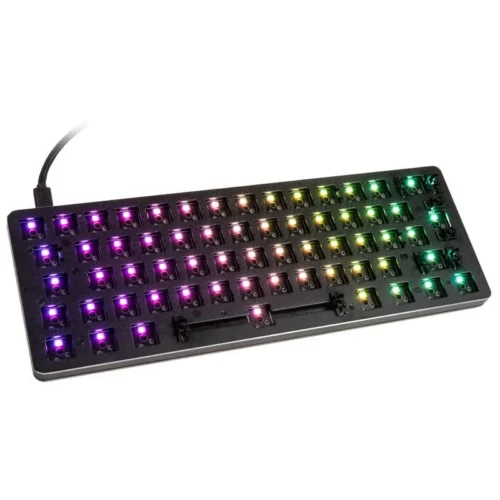 Геймърска механична клавиатура основа Glorious RGB GMMK Compact, ISO Layout
1 × 98.40 лв. / €50.31
Геймърска механична клавиатура основа Glorious RGB GMMK Compact, ISO Layout
1 × 98.40 лв. / €50.31 -
×
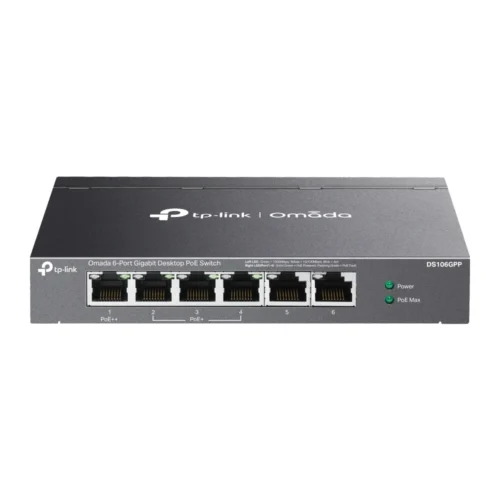 6-портов гигабитов неуправляем комутатор TP-Link Omada DS106GPP с 3-портов PoE+ и 1-портов PoE++
1 × 154.66 лв. / €79.07
6-портов гигабитов неуправляем комутатор TP-Link Omada DS106GPP с 3-портов PoE+ и 1-портов PoE++
1 × 154.66 лв. / €79.07 -
×
 NEC Monitor 55 inches MultiSync UN552V 500cd/m2 1920x1080
1 × 6,973.15 лв. / €3,565.32
NEC Monitor 55 inches MultiSync UN552V 500cd/m2 1920x1080
1 × 6,973.15 лв. / €3,565.32 -
×
 Геймърски слушалки JBL Quantum 200 Black
1 × 103.14 лв. / €52.73
Геймърски слушалки JBL Quantum 200 Black
1 × 103.14 лв. / €52.73
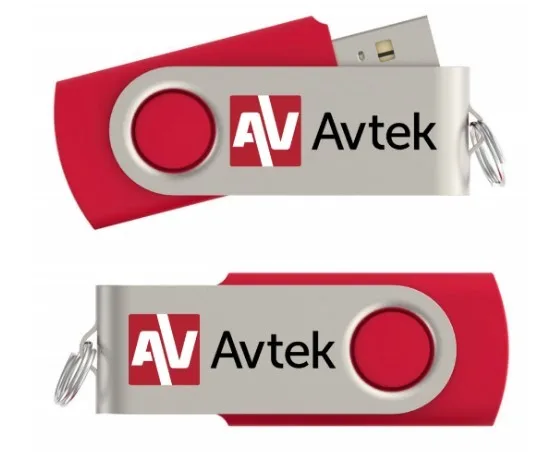
Avtek Activation key for Android TS 8 Easy
66.04 лв. с ДДС / €33.76
Avtek Activation key for Android TS 8 Easy
Description:
It allows you to activate the Android 11 system on the TS 8 Easy interactive monitor.
Activation is done by connecting a pendrive to the appropriate USB port (see instructions), and then following the instructions on the monitor screen. Activation takes a maximum of a few minutes.
The Android system has built-in tools, including:
- ScreenShare – allows remote connection to the monitor
- WriteBoard – an application that allows you to conduct a lesson or business presentation
- Palette – a drawing tool
- a tool that allows you to conduct voting
- a tool that allows you to work on a split screen
Note
- A separate key is programmed for each monitor, which will only work with one specified monitor (it will not work with another TS 8 Easy series monitor)
- In the case of a separate order for a key for a previously purchased TS 8 Easy series monitor, it is necessary to provide the serial number of the monitor for which the Android activation key is being purchased
- Do not throw away the activation key. Keep it in a safe place. If you restore the monitor to factory settings, you will need to reactivate the key. To activate Android, plug the pendrive into the USB 3.0 port (the first port from the top left of the monitor)
Available on backorder
Avtek Activation key for Android TS 8 Easy
Описание:
It allows you to activate the Android 11 system on the TS 8 Easy interactive monitor.
Activation is done by connecting a pendrive to the appropriate USB port (see instructions), and then following the instructions on the monitor screen. Activation takes a maximum of a few minutes.
The Android system has built-in tools, including:
- ScreenShare – allows remote connection to the monitor
- WriteBoard – an application that allows you to conduct a lesson or business presentation
- Palette – a drawing tool
- a tool that allows you to conduct voting
- a tool that allows you to work on a split screen
Note
- A separate key is programmed for each monitor, which will only work with one specified monitor (it will not work with another TS 8 Easy series monitor)
- In the case of a separate order for a key for a previously purchased TS 8 Easy series monitor, it is necessary to provide the serial number of the monitor for which the Android activation key is being purchased
- Do not throw away the activation key. Keep it in a safe place. If you restore the monitor to factory settings, you will need to reactivate the key. To activate Android, plug the pendrive into the USB 3.0 port (the first port from the top left of the monitor)
Related products
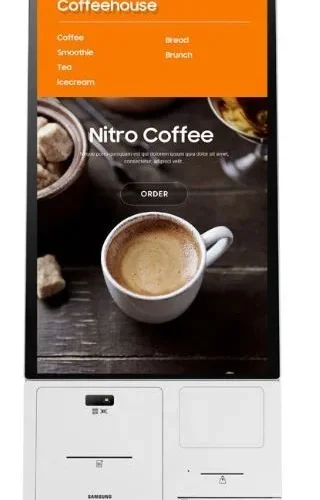
Аксесоари за монитори
3,012.52 лв. с ДДС / €1,540.27
Време на доставка: 30 дни
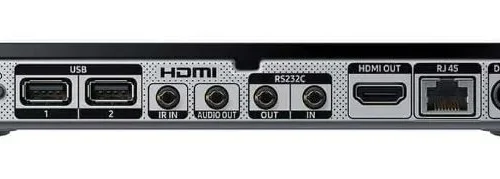
Аксесоари за монитори
553.67 лв. с ДДС / €283.09
Време на доставка: 30 дни
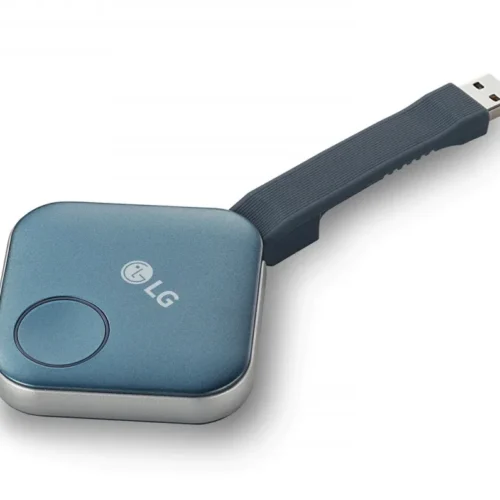
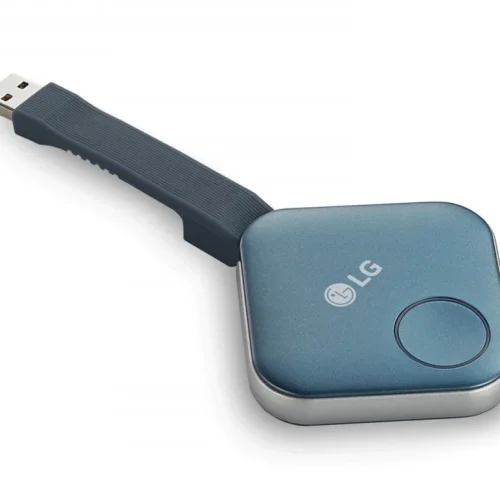
Аксесоари за монитори
66.71 лв. с ДДС / €34.11
Време на доставка: 30 дни

Аксесоари за монитори
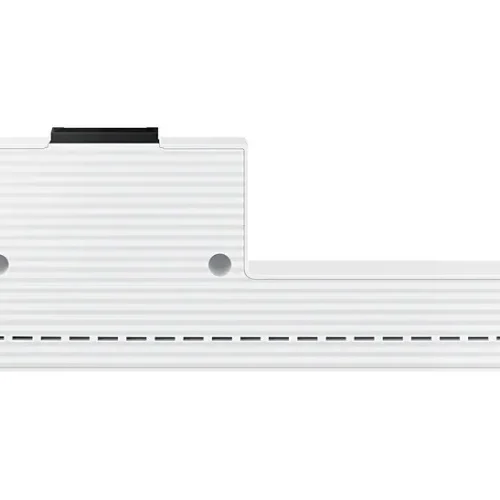
Samsung Port extension for Flip PRO WM55B, WM65B монитор (CY-TF65BBCXEN)
345.54 лв. с ДДС / €176.67
Време на доставка: 7 дни
Аксесоари за монитори
23.35 лв. с ДДС / €11.94
Време на доставка: 30 дни
Аксесоари за монитори
405.56 лв. с ДДС / €207.36
Време на доставка: 30 дни
Аксесоари за монитори
1,495.50 лв. с ДДС / €764.64
Време на доставка: 30 дни
Аксесоари за монитори
92.24 лв. с ДДС / €47.16
Време на доставка: 30 дни